
Smartwatch Snorkeling Oahu: Know Your Watch’s Limits
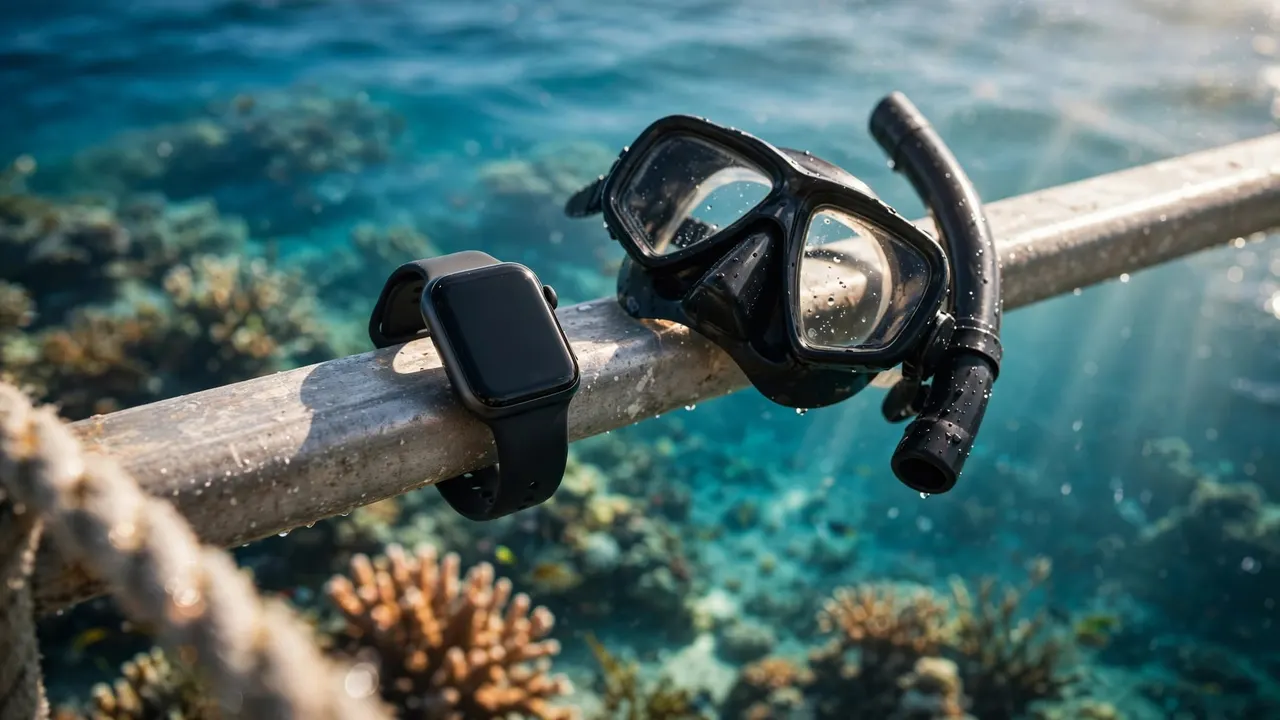
You can wear a smartwatch snorkeling Oahu’s reefs if its manufacturer approves that model for the activity. A water-resistant label alone doesn’t mean your watch belongs underwater.
At Living Ocean Tours, you can enjoy the reef with our professional snorkel guides while keeping optional electronics out of the way. Your watch can record useful information, but your attention belongs on the ocean.
Start with your model’s activity limits, then prepare it for saltwater before stepping aboard.
Key Takeaways Before You Get Wet
- Choose a watch approved for your planned activity, rather than relying on its advertised depth rating.
- Water Lock prevents accidental screen input; it doesn’t improve the watch’s water resistance.
- Secure your band, rinse away salt afterward, and dry your watch before charging.
- Keep your buddy and guide in view. A smartwatch doesn’t replace ocean awareness, flotation, or crew support.
Understand What Water Resistance Means
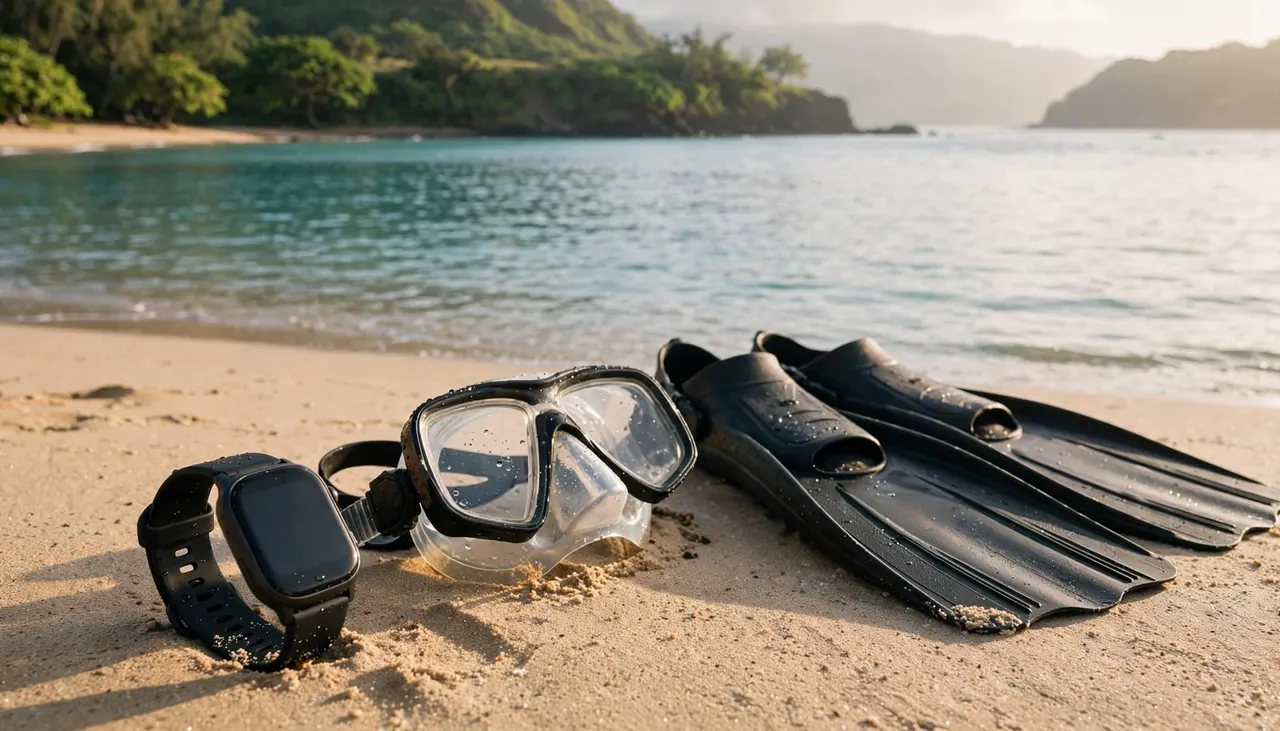
Before you take a smartwatch snorkeling Oahu’s coastline, distinguish its laboratory rating from its approved uses. Those describe different things.
A Meter Rating Isn’t Your Operating Depth
A watch marked “50 meters” hasn’t automatically earned approval for diving to 50 meters. Manufacturers use controlled tests, then define which activities suit the device.
For example, Apple’s standard swimming-capable watches carry a 50-meter rating, yet Apple limits them to shallow-water activities. A gentle surface snorkel and repeated underwater descents place different demands on your gear.
Your practical limit comes from the manufacturer’s activity guidance. Don’t convert the number on the specification sheet into a personal depth allowance.
Water Resistance Changes With Wear
Cracks, impacts, and aging seals can reduce protection. A watch that handled swimming previously may no longer resist water the same way.
If the case is damaged, the screen is cracked, or the band connection is unreliable, leave it dry. A protective screen cover doesn’t repair a compromised seal.
Also consider whether losing the watch would spoil your vacation. Even a suitable device remains optional equipment, so leaving an expensive or sentimental watch behind is a reasonable choice.
Which Smartwatches Suit Surface Snorkeling?
Your model matters more than its brand name. Watches within the same product family can have different underwater capabilities.
Apple Watch: Standard Models Versus Ultra
According to Apple’s water-resistance guidance, Apple Watch Series 2 and later standard models support shallow-water swimming. Apple Watch Series 1 and the original Apple Watch aren’t recommended for submersion.
Apple Watch Ultra models have a 100-meter water-resistance rating and support snorkeling. Apple also permits recreational scuba diving to 40 meters on Ultra models, a separate limit from their water-resistance rating.
For ordinary surface snorkeling, keep swimming-capable standard models within Apple’s shallow-water guidance. Choose an appropriately rated model for activities involving deeper submersion.
Garmin: The Specific Model Decides
Garmin makes swimming watches and dedicated dive computers, so you shouldn’t treat every Garmin as interchangeable. Surface-water approval doesn’t establish a watch’s suitability for diving.
Use snorkeling approval as your selection standard. Also follow the model’s rules about underwater button presses, because those permissions vary.
You don’t need to purchase a dive computer for a relaxed surface outing. If your existing watch lacks approval for your planned activity, leaving it aboard costs nothing and removes one distraction.
Prepare Your Watch Before Boarding
If you’re wearing a smartwatch snorkeling Oahu’s waters, a secure strap matters as much as the case rating. Use a band designed for swimming, with an intact closure and reliable attachment points.
Leather bands aren’t a practical saltwater choice. A loose strap also increases the chance of losing your watch while climbing a ladder or adjusting equipment.
Complete these steps while you’re dry:
- Inspect the case, band, and attachment points for visible damage.
- Fasten the watch snugly without restricting circulation.
- Select any workout mode and activate Water Lock if your model offers it.
- Silence unnecessary notifications so you can focus on the briefing.
Apply sunscreen without smearing it into buttons or openings. If sunscreen reaches the watch, clean it according to the manufacturer’s care instructions.
For our Waikiki snorkeling outings, keep your packing simple. Bring drinking water, sun protection, and a towel, and leave electronics you don’t need in dry storage.
That preparation gives you more time to adjust your mask and listen before entering the water.
Use Watch Features Without Losing Ocean Awareness
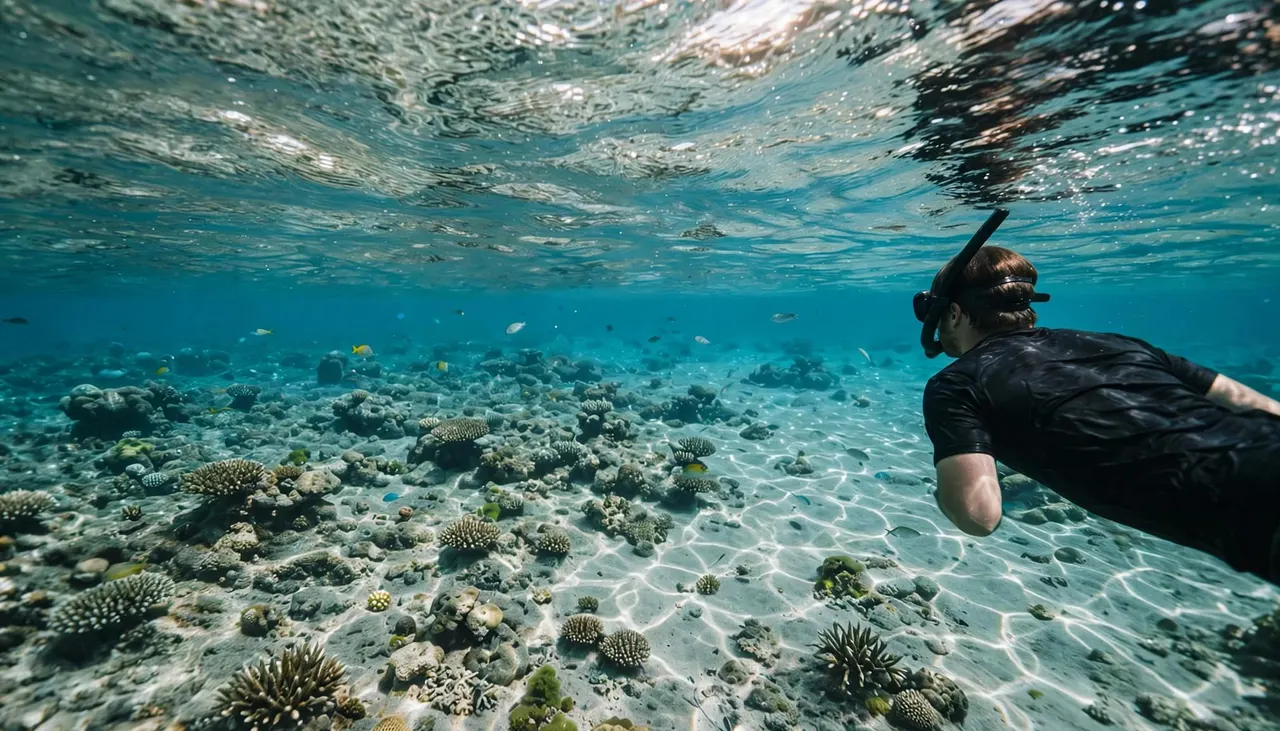
Using a smartwatch snorkeling Oahu’s reefs can help you record an outing. However, the most useful features require very little attention.
Record Your Swim, Then Leave the Screen Alone
A swim workout can record elapsed time and activity information. Certain Apple Watch models also offer underwater depth and temperature features.
Those features aren’t available on every watch, and their limits differ. Likewise, GPS tracking can become less reliable when your wrist stays submerged.
Start recording before entry, then enjoy the reef. Repeatedly stopping to read a display can separate you from your buddy or distract you near coral.
Keep Safety Decisions Separate From Watch Data
Cellular connectivity, emergency calling, and location transmission aren’t dependable underwater. A normal-looking heart-rate reading also doesn’t mean you should push through fatigue or breathing discomfort.
Hawaii Ocean Safety emphasizes knowing your limits and swimming with a buddy. Stay close enough to communicate, and follow your crew’s swim boundaries.
For shore snorkeling, choose a lifeguarded beach and heed posted warnings. On a boat outing, follow the crew’s assessment of conditions.
A workout target never justifies staying in the water after you feel tired, uncomfortable, or separated from your group.
Return for a break when you need one. Water, shade, and a rest are more useful than completing another recorded minute.
Rinse Salt Away Before It Dries
After taking a smartwatch snorkeling Oahu’s reefs, make freshwater care part of your routine. Salt can remain around the case, band, and openings after the visible water disappears.
Garmin’s post-swim cleaning guidance emphasizes rinsing before saltwater dries. Use your model’s approved cleaning method, with gentle freshwater rinsing rather than a forceful spray.
Dry the watch and band with a soft cloth. Then allow remaining moisture to evaporate before charging.
If your watch has a water-ejection function, use it as directed. It helps clear water from the speaker area, but it doesn’t remove salt from the exterior.
Avoid hair dryers, compressed air, or other improvised drying methods. Also keep soap and cleaning chemicals away unless the manufacturer permits them.
If the watch behaves abnormally afterward, stop charging or using it and seek manufacturer support. Don’t repeatedly test it underwater to see whether the problem returns.
Enjoy Guided Reef Time With Less Gear Worry
At Living Ocean Tours, we’re Oahu’s only tour company with professional snorkel guides. You get in-water support while learning how to enjoy the reef respectfully.
Our Honolulu ocean outings depart from Kewalo Basin Boat Harbor near Waikiki. Onboard dry storage gives you an alternative when you’d rather leave your watch behind.
Our Turtle Canyon Snorkel Tour takes you to a natural turtle cleaning station. You’ll observe marine life without touching it and keep your fins clear of coral.
Tell your guide if your mask, flotation equipment, or swimming comfort needs attention. Adjusting your gear before entering is easier than managing several problems in the water.
When you’re ready to plan your reef outing, CHECK AVAILABILITY for the Turtle Canyon excursion.
Whether your watch stays aboard or accompanies you, your guide’s briefing deserves your full attention.
Frequently Asked Questions
Does Water Lock Make a Smartwatch Waterproof?
No. Water Lock prevents unintended touchscreen input, and some watches pair it with a speaker-clearing function. It doesn’t add a physical seal or increase the device’s rating.
Activate it before entry if your model offers it. However, you still need a watch approved for the activity, an intact case, and a secure swimming-compatible band.
Should Children Wear Smartwatches While Snorkeling?
A child’s watch needs the same activity approval and secure fit as an adult’s. Don’t assume a GPS or calling feature will work underwater.
For families, comfort and supervision come first. Leave the watch dry if it distracts your child, loosens easily, or interferes with equipment. Stay with your child and follow the crew’s guidance rather than relying on device alerts.
Keep Your Watch Optional and Your Attention Present
If you bring a smartwatch snorkeling Oahu’s reefs, treat it as optional gear. Choose an approved model, secure it before entry, and rinse and dry it afterward.
Your ocean awareness matters more than the recording. Stay with your buddy, follow your guide, and give yourself permission to leave the screen behind.