Why Waikiki snorkeling videos look shaky underwater
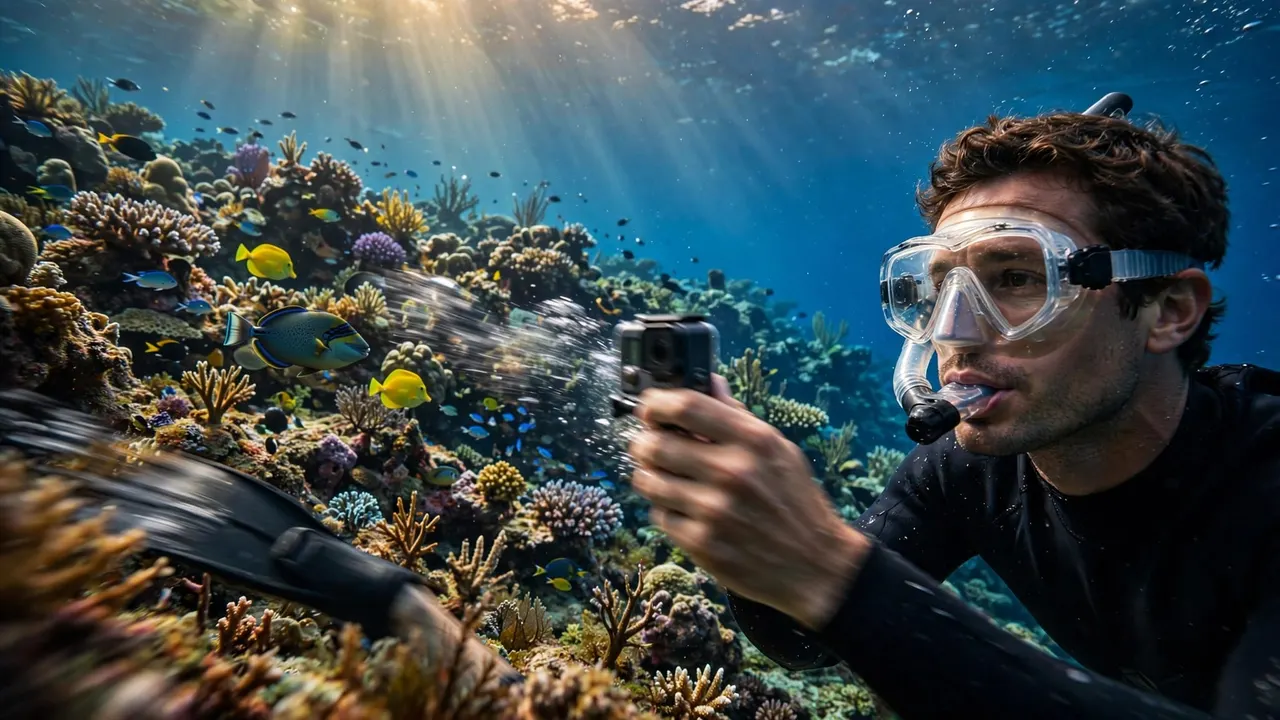
Your Waikiki snorkeling videos look shaky because your camera records every small turn, kick, and adjustment you make while floating. At Living Ocean Tours, we help you get comfortable in the water before you concentrate on filming.
Even when a reef looks peaceful through your mask, a handheld camera can exaggerate your movement. Better footage starts with comfortable swimming, followed by an understanding of what your camera can correct.
Key Takeaways
- Your swimming movements affect the camera, even when you don’t notice them through your mask.
- Digital stabilization reduces visible shake, but it can’t repair every blurred frame or sudden change in direction.
- Clean equipment, patient observation, and comfortable positioning give you a stronger starting point than chasing wildlife for a closer shot.
You don’t need to record your entire swim. A few steady views of reef life usually make a more enjoyable vacation video than continuous footage filled with turns and adjustments.
Why Waikiki snorkeling videos look shaky
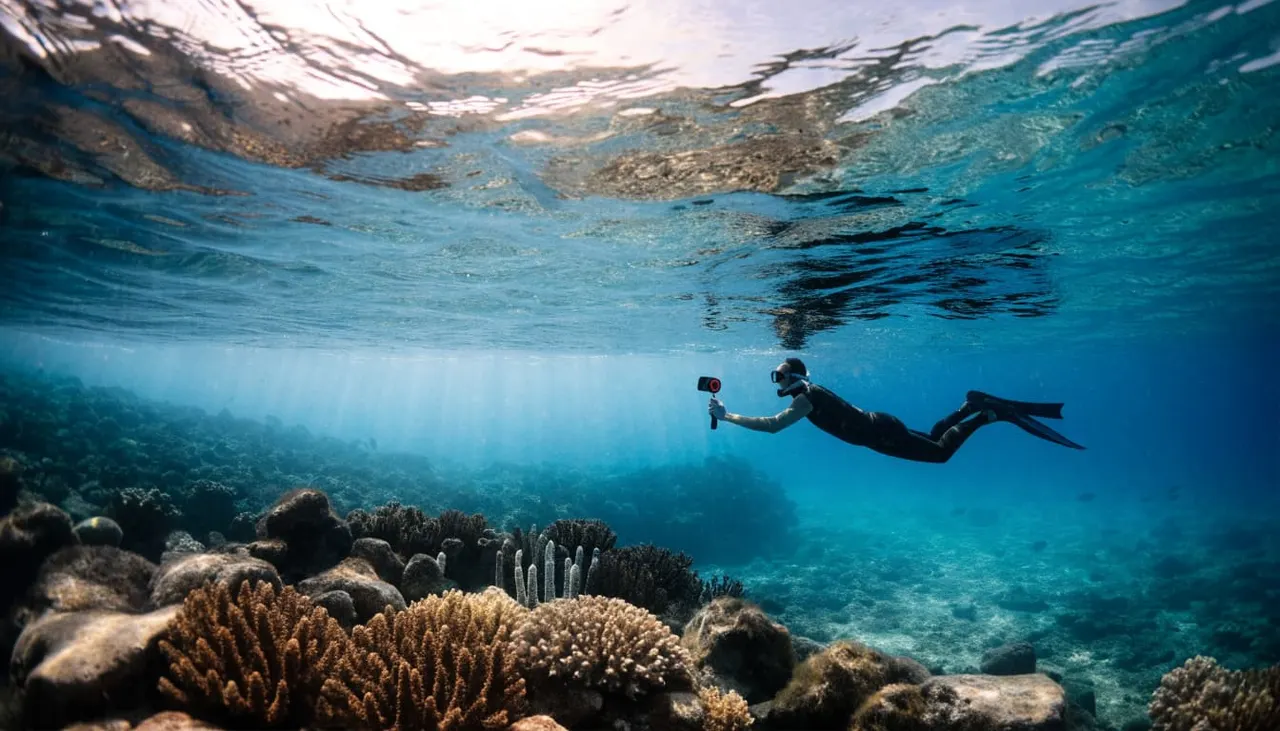
Your eyes and your camera experience the same swim differently. While you watch a fish, your brain helps you follow its movement. Meanwhile, the camera records changes in its own position without knowing which movements you intended.
Small body movements become visible camera movements
Turning your head, reaching forward, or adjusting your swimming direction changes where your camera points. If your arm moves independently of your body, the recording picks up another layer of motion.
That explains why footage can look unsettled even when you remember feeling comfortable. You may have followed a turtle with your eyes while your hand drifted sideways.
A wide reef scene makes those shifts easy to spot because stationary coral provides a reference. When the whole background swings together, camera movement is usually the first thing to consider.
Filming adds another task to your swim
Your mask, snorkel, fins, buddy, and surroundings already need attention. Adding a camera can lead to rushed adjustments, especially during your first ocean snorkeling experience.
For example, lifting the camera to inspect the screen interrupts your framing. Repeatedly pointing it down again creates abrupt transitions between otherwise pleasant views.
Get comfortable before recording. If your equipment needs attention, pause filming and ask your guide for help. Your camera should fit into a manageable swim rather than dictate where you go.
Separate Camera Shake From Blur and Changing Color
Several underwater problems can make footage feel messy. However, they don’t all respond to stabilization, and recognizing the difference saves you unnecessary editing.
Moving frames and smeared details are different problems
Camera shake changes the position or angle of the image. You might see the reef bounce, rotate, or slide across the screen.
Motion blur affects detail within an individual frame. A moving fish, your own movement, or both can leave soft edges instead of a clear outline.
A stabilizer may make the overall sequence easier to watch while those soft frames remain. Similarly, bubbles on the housing can obscure part of your view without moving the image at all.
Watch the background during playback. Its movement helps you distinguish framing problems from a dirty or obscured lens.
Blue footage doesn’t diagnose a stabilization problem
Underwater color changes are separate from camera movement. NOAA’s light and color factsheet explains that water absorbs warm colors, including reds and oranges.
Your clip can therefore look blue while remaining steady. Correcting its color won’t stop a swaying background.
Likewise, bright patterns moving across the reef can catch your attention without indicating camera shake. Compare the position of coral or rocks between frames before deciding which part needs fixing.
What Underwater Video Stabilization Can Fix
Digital stabilization is useful, but it works within limits. Knowing those limits helps you judge your Waikiki snorkeling videos without expecting the camera to remove every movement.
Stabilization reduces visible camera motion
GoPro’s explanation of HyperSmooth describes how the system detects camera movement and uses a small image crop to reduce visible shake.
That crop gives the camera room to adjust the recorded view. As a result, some small movements become less distracting.
GoPro also discusses stabilization in its swimming-camera guidance, including its use in choppy water. The useful takeaway is that stabilization supports your filming technique. It doesn’t remove the need for controlled movements and comfortable swimming.
Underwater correction isn’t identical across cameras
Camera models and software can handle underwater footage differently. For example, GoPro’s HERO13 Black Labs update includes refinements to HyperSmooth for underwater video.
That feature doesn’t mean every action camera applies the same correction. It also doesn’t promise that an abrupt turn will become a smooth tracking shot.
Stabilization can reduce frame movement, but it can’t restore detail that your camera never captured clearly.
Before replacing equipment, look at the footage you already have. If your clearest sections happen when you’re comfortably watching one area, your swimming and filming habits deserve attention first.
Film Patiently Without Chasing the Subject
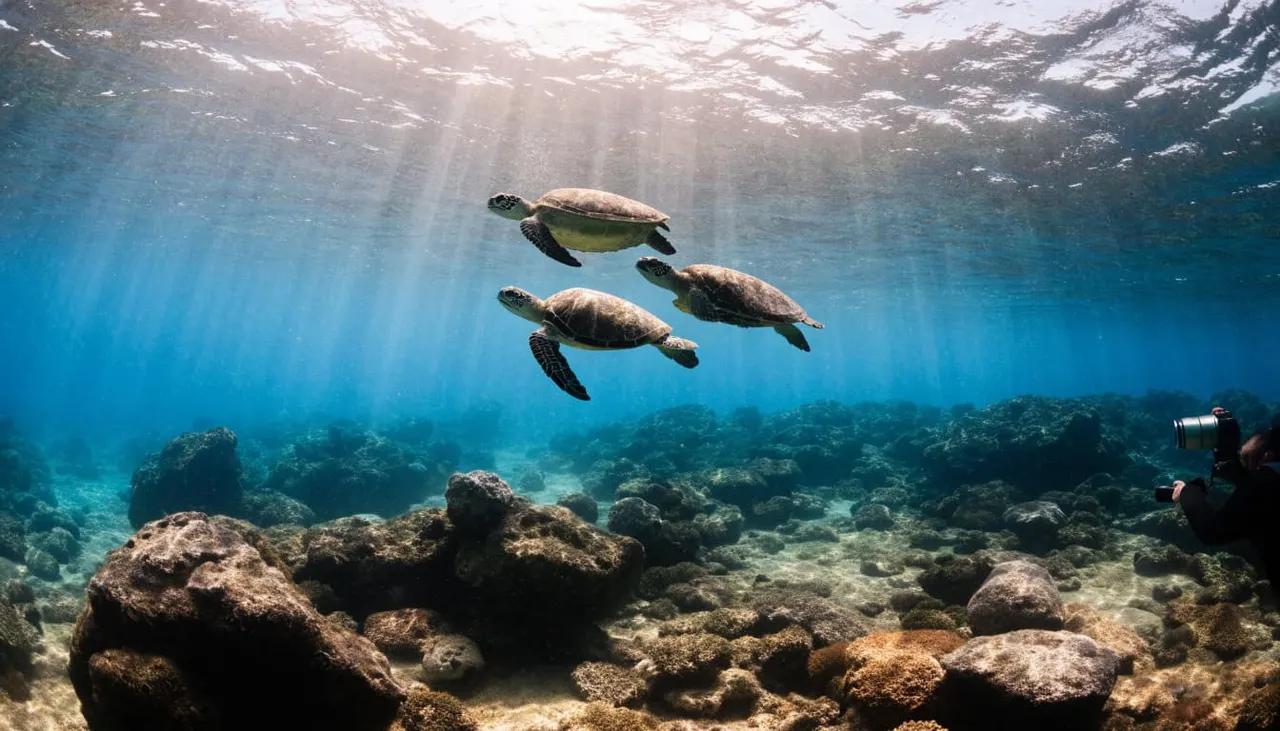
Patient observation gives your Waikiki snorkeling videos a more watchable pace. Choose a view you can hold while remaining aware of your buddy, guide, and surroundings.
Keep the camera within your normal swimming space instead of reaching farther for every passing fish. A comfortable position makes it easier to notice when you’re drifting toward another snorkeler or getting too close to the reef.
Let wildlife move through your composition when possible. A fish crossing a steady reef view often looks better than a fast camera turn that struggles to keep up.
For couples, one person can film while the other remains attentive to their shared surroundings. Stay together and communicate; the camera shouldn’t narrow either person’s attention to the screen.
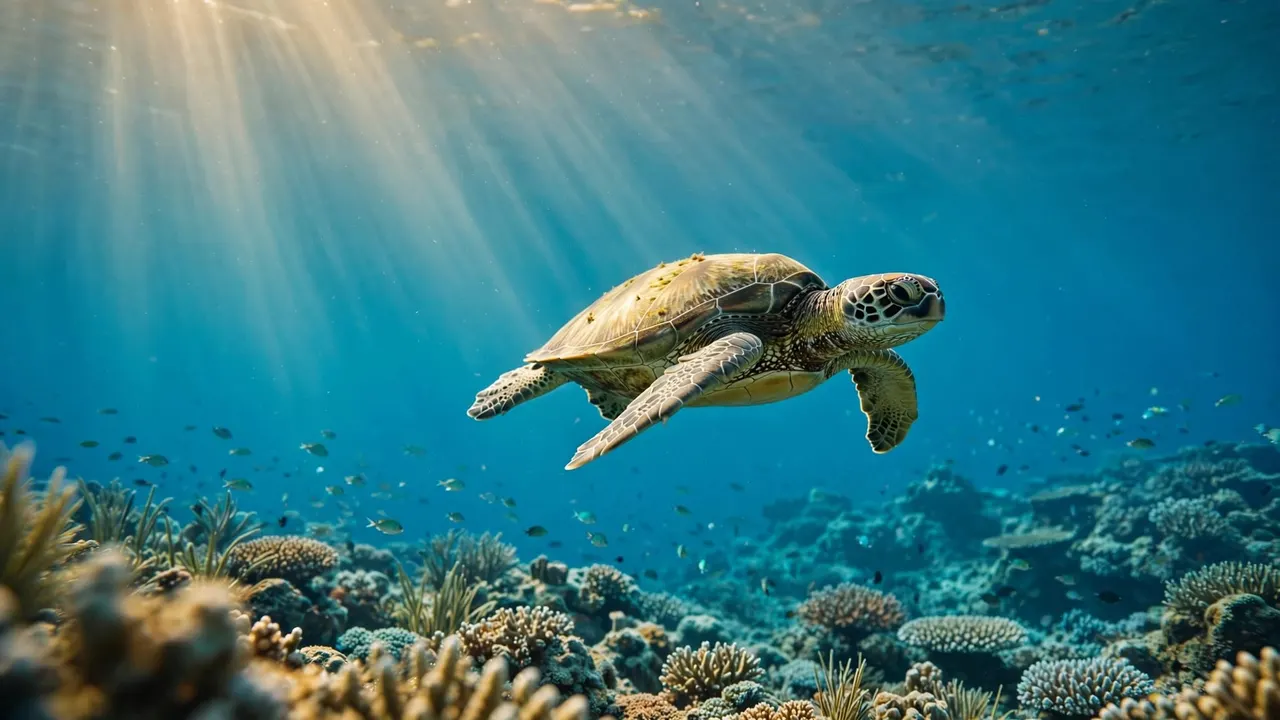
Also, leave room around turtles. Don’t chase, touch, or block an animal’s route to create a closer shot. A wider view can show its habitat while avoiding rushed swimming and sudden framing changes.
Keep your fins and accessories clear of coral, too. Never brace yourself against the reef for stability. If holding a shot requires uncomfortable positioning or contact with marine life, let that shot go.
Prepare Your Camera Before Entering the Water
Equipment preparation removes distractions that can interrupt your swim. Begin with a camera designed for underwater use or a housing rated for your device and intended depth.
Clean the housing lens, inspect the seal, and remove visible smudges before entering. Once the setup is in the water, look for small bubbles clinging to the lens port.
Secure your camera without leaving loose straps that could catch on equipment or coral. Also, charge the battery and free up storage before departure. Those simple jobs are easier on land than during a wildlife encounter.
Practice finding the recording control before your swim. Familiar controls reduce the temptation to keep lifting and rotating the camera to inspect it.
Finally, get your snorkeling equipment comfortable first. A camera won’t improve an outing if a leaking mask or unfamiliar fins keep pulling your attention away from the water.
Get Comfortable With Our Professional Snorkel Guides
At Living Ocean Tours, we’re Oahu’s only tour company with professional snorkel guides in the water with you. You have support as you settle into your equipment and practice respectful reef watching.
Our departures from Kewalo Basin Boat Harbor put you minutes from Waikiki. Tell our crew about swimming nerves or equipment concerns before entering, so you can receive help early.
You can explore our guided Waikiki snorkeling outings when planning an ocean day with your family or partner. We provide snorkeling equipment, instruction, and in-water support, so you can build confidence before focusing on filming.
Keep the distinction between boat comfort and underwater filming clear, too. A comfortable boat ride helps you prepare, but your handheld camera still moves with you once you’re swimming.
Our guides reinforce observing without touching. You can enjoy the reef, give wildlife space, and return with memories that don’t depend on getting the closest possible view.
Frequently Asked Questions
Does shaky footage mean you need a new camera?
Shaky Waikiki snorkeling videos don’t automatically mean your camera needs replacing. First, separate camera movement from blur, lens smudges, and bubbles on the housing.
Then compare your calmer clips with the sections recorded while turning or adjusting equipment. A clear difference suggests that preparation and swimming comfort can improve your results. A new camera won’t remove the movement created by hurried filming.
Should you keep recording throughout your entire swim?
Continuous recording can capture unexpected moments, but it also collects equipment adjustments and long stretches of changing angles. It may distract you if you repeatedly inspect the screen.
Choose recording moments when you’re comfortable and aware of your surroundings. If you feel tired, nervous, or distracted, put filming aside and tell your guide. You can enjoy an excellent snorkel without documenting every minute.
Bring Home Steadier Memories
Better Waikiki snorkeling videos begin with comfortable, attentive swimming. Clean equipment and digital stabilization help, but patient observation gives your footage a steadier foundation.
Let reef life move naturally, keep your camera within your swimming space, and give wildlife room. Your most enjoyable recording may be a simple view you held comfortably while watching the ocean, rather than a close-up you rushed to capture.