Waikiki Boat Tour Phone Charging Questions Before Boarding
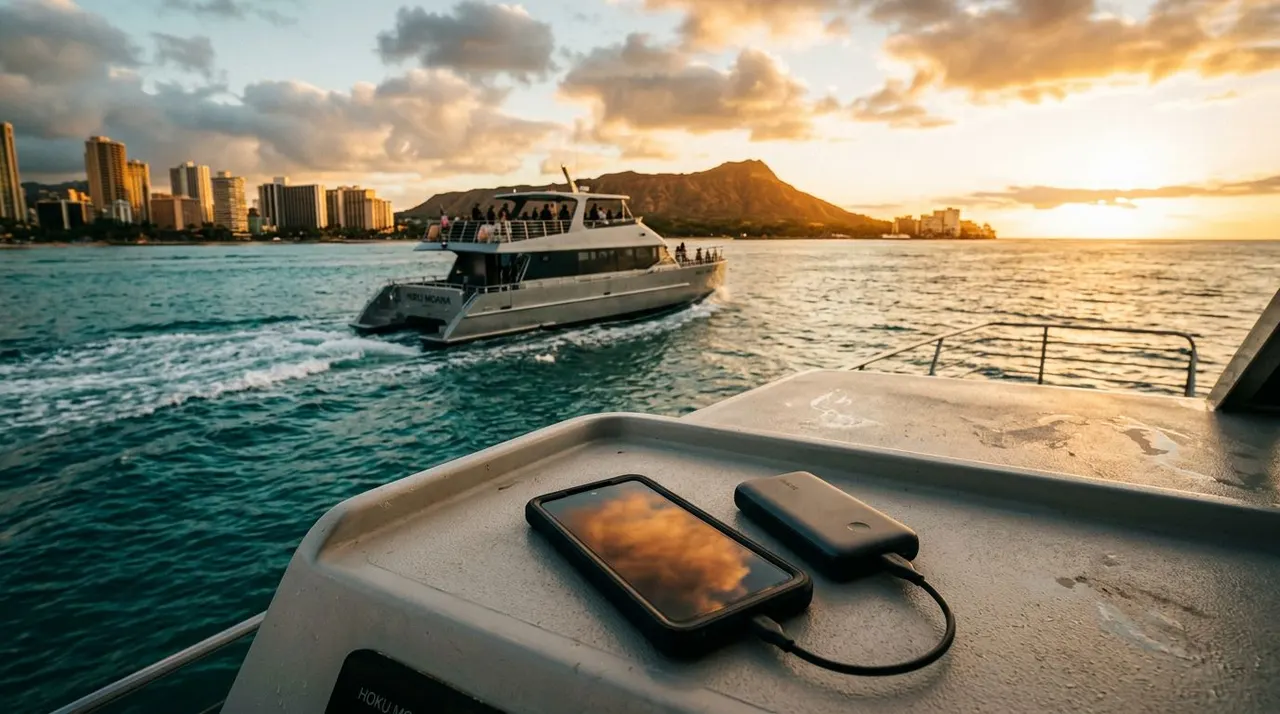
Your phone can capture a sea turtle below the surface, a Waikiki sunset, or fireworks over the water. However, a boat ride can drain your battery faster than expected, especially when you use GPS, video, bright screens, and mobile data. If you’re searching for Waikiki boat tour phone charging information, ask the right questions before you leave the dock.
Most boats don’t guarantee passenger charging unless the operator says so in advance. A full battery, waterproof protection, and a small backup power bank can save you from missing the moments you came to see. Start with the charging details, then prepare your phone for salt spray, sunlight, and water activities.
Why Your Phone Charging Plan Matters on a Waikiki Boat
A phone works harder on the ocean than it does in your hotel room. Your camera may stay open for long periods, your screen gets brighter under direct sunlight, and your device may search for a stronger signal as the boat moves offshore. Video recording also uses more power than taking occasional photos.
You may use your phone for several practical tasks before the tour begins. These can include checking the meeting location, showing your booking confirmation, contacting your group, ordering transportation, and taking photos at the harbor. Saving those details offline helps, but you still need enough battery to reach the dock and return to your hotel.
What “charging available” can mean
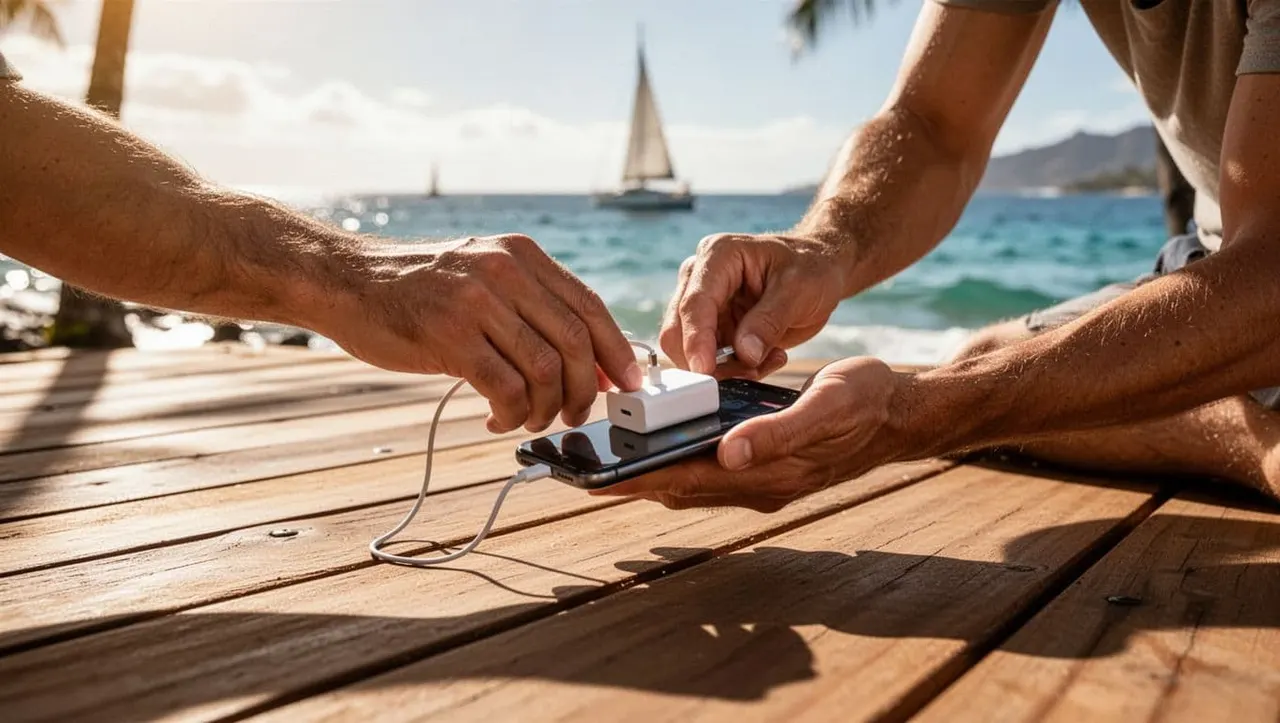
When a tour operator says charging is available, the phrase may refer to different things. A boat might have passenger USB ports, a limited number of outlets, or a crew-only charging area. In some cases, the vessel has electrical power for navigation and onboard equipment without offering a safe place for guests to plug in.
Ask whether the connection is available at your seat or only in a shared area. Also ask if you need a USB-A cable, USB-C cable, wall adapter, or your own power bank. A power outlet may not work with your cable alone.
A recent smartphone travel photography guide also recommends carrying external battery packs during trips. That advice is practical for a boat tour because you may spend hours away from hotel outlets.
| Question to ask | Why the answer matters |
|---|---|
| Are USB ports or outlets available for guests? | You’ll know whether your cable is useful. |
| Do they work during the full trip? | Some power sources may be limited or crew-only. |
| Can you use a power bank onboard? | You can plan a backup without assuming anything. |
| Where should your phone charge? | A safe, dry location prevents cable and water problems. |
| Can the crew store a battery pack? | Dry storage may be better than keeping it on an exposed deck. |
The safest assumption is simple: board with a fully charged phone and treat onboard charging as a bonus.
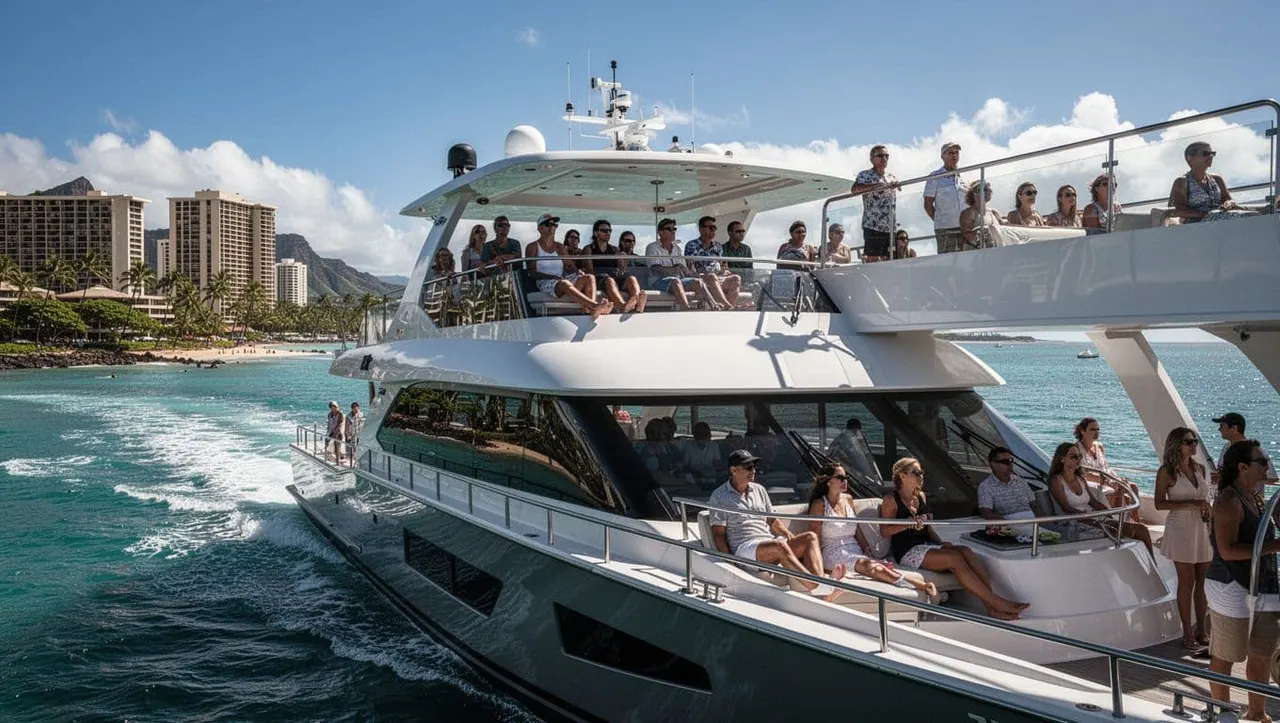
Waikiki boat tour phone charging questions to ask before boarding
A clear answer before departure gives you more control over your day. You don’t need a long conversation. A few direct questions can tell you whether you should bring a portable charger, leave your phone in dry storage, or charge everything at the hotel.
Does the boat have passenger USB ports or outlets?
Ask about the exact location and type of connection. “The boat has power” doesn’t necessarily mean you can charge your phone. You should hear whether guests can use a USB port, a standard outlet, or a designated charging station.
Next, ask whether the outlet stays powered while the vessel is underway. Some tour boats limit guest charging because loose cables can create trip hazards around walkways, ladders, and wet areas. A crew member may also ask you to keep devices secured during boarding or water entry.
Bring the cable that matches your phone, but don’t carry several unnecessary adapters. A short cable is easier to manage than a long one on a moving deck. If you charge while seated, keep the cable away from aisles and never stretch it across a passage.
Can you bring and use a portable power bank?
Most travelers find a charged power bank more dependable than an outlet they haven’t confirmed. A compact 10,000 mAh model is a practical size for many day trips, although performance varies by phone and battery pack.
Charge the power bank before leaving your room. Place it in a dry pouch, and connect it only when both the power bank and phone port are dry. Salt spray can damage charging contacts, while moisture inside a connector can create a safety problem.
Ask where you can keep the battery pack during snorkeling or other water activities. You may need to leave it in dry storage rather than carry it onto a swim platform. Never leave a power bank in direct sun for long periods, and don’t use a damaged or swollen battery.
A charging cable solves a battery problem only when the cable, phone, and power source stay dry and secure.
Will the crew hold or store your phone?
Storage policies vary by boat and activity. Ask whether the vessel offers dry storage for small personal items, then confirm whether you can access your phone during the ride. Dry storage protects your device, but it may not be convenient if you want to take photos between stops.
A good Waikiki boat tour phone charging plan includes both options. Keep the phone protected in a waterproof pouch when you need it nearby. Store the power bank and extra cables in a separate dry bag when you enter the water.
Living Ocean Tours operates out of Kewalo Basin Boat Harbor, a short drive from Waikiki Beach. Before you go, save your confirmation, meeting details, and operator contact information as screenshots. That way, you won’t need a live connection or a nearly empty battery at the dock.
Prepare Your Phone Before Leaving Your Hotel
Your strongest charging opportunity is usually the night before and the morning of your tour. Plug in your phone, camera, and power bank before you sleep. If your schedule includes several activities, recharge during breakfast or while getting ready.
Remove unnecessary battery demands before you leave. Low Power Mode can reduce background activity, while Airplane Mode helps when you don’t need calls or cellular data. You can still turn Wi-Fi or Bluetooth back on when needed. Lower the screen brightness slightly, close navigation apps after reaching the harbor, and download boarding information for offline access.
Your camera settings also affect battery life. Long 4K video clips consume storage and power quickly. Short clips and individual photos may give you more usable memories without keeping the camera active for the entire cruise. If you’re taking sunset photos, avoid leaving the camera app open between shots.
The iPhone travel photography tips recommend carrying a portable USB charger, especially when travel conditions make regular outlets less convenient. You can apply the same approach on the water, but keep the charger protected from spray.
Pack a small phone protection kit
You don’t need a bulky bag. A compact setup can include:
- A waterproof phone case or tested dry pouch.
- A short charging cable that fits your device.
- A charged power bank kept in a sealed dry bag.
- A floating phone strap if the case supports one.
- A microfiber cloth for spray and fingerprints.
- A screenshot of your booking and meeting instructions.
Test your waterproof case before the tour. Check the seal, close every latch, and place a dry tissue inside for a short test in a sink or basin. If the tissue becomes damp, replace the case or use a different pouch.
A water-resistant phone rating is not a guarantee against ocean use. Salt water, pressure, worn seals, and repeated exposure can cause problems even when a phone survived rain. A dedicated waterproof case gives you another layer of protection.
Protect Your Phone Around Salt Water and Spray
The safest phone on a boat is the one you can secure quickly. Open decks offer excellent views, but they also expose your device to spray, wind, wet hands, and sudden movement. Keep your phone inside its case when you’re walking, boarding, or standing near the rail.
Do not place it on a bench where another passenger could sit on it. Avoid cup holders unless the case fits securely. A phone can slide across a wet surface before you have time to catch it.
When you take photos, use both hands when conditions allow. Keep your feet stable and stay clear of ladders, swim platforms, and crew work areas. Ask before bringing a phone into the water. Some tours have specific rules for personal electronics, and your guide can tell you where to store the device.
Waterproof cases, pouches, and floating straps
A waterproof case is best for planned underwater photos. A dry pouch is useful for rain, spray, and storage, but not every pouch is designed for repeated submersion. Read the product’s depth and use instructions before trusting it in the ocean.
Floating straps can help you recover a phone after an accidental drop, but they don’t replace a sealed case. Test the strap with the case before boarding. A loose attachment can separate when you need it most.
Keep charging ports closed when you’re near water. If the phone or connector gets wet, wipe the outside and allow the port to dry fully. Don’t connect a cable to a wet device just because the battery is low.
Take fewer, better photos
You don’t need to record every minute to remember the trip. Take a few photos, then put the phone away and watch the water. This approach saves battery and keeps your attention on the boat’s safety instructions and marine life.
The travel photography guide from My Wandering Voyage recommends using natural light and paying attention to golden hour. Those ideas work well on a Waikiki sunset cruise, where the changing sky often provides better results than a phone flash.
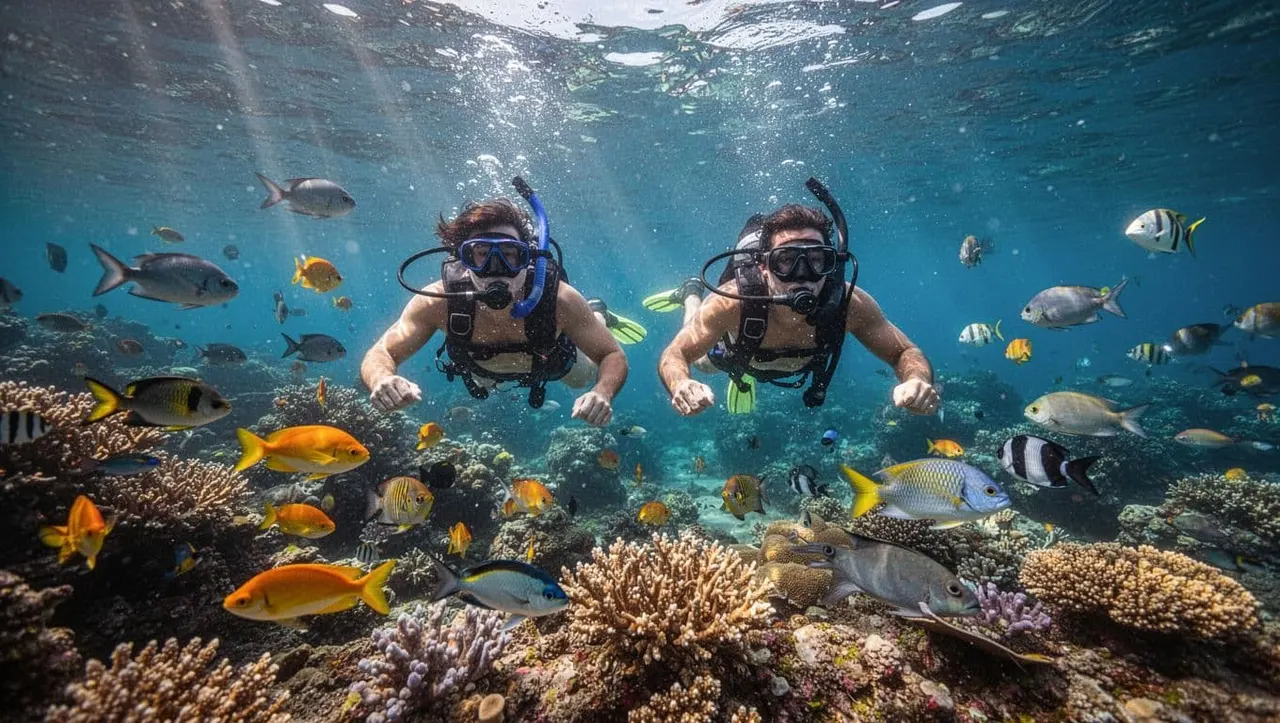
During a snorkeling tour, follow your guide’s instructions around Hawaiian green sea turtles and reef life. Observe wildlife without touching, chasing, or blocking its path. A clear photo isn’t worth damaging coral or stressing an animal.
Match Your Tour Choice to Your Phone Needs
Living Ocean Tours departs from Kewalo Basin Boat Harbor and offers guided ocean experiences along the Waikiki coast. Its Coast Guard-inspected, custom-built double-decker vessels, the Coral Kai and Lokahi, include shaded seating, restrooms, dry storage, and heavy-duty ladders for water entry.
The Lokahi also has a SeaKeeper stabilization system, a cash bar, and an upper-deck water slide. Coral Kai provides expansive open-deck space for enjoying the Hawaiian sun. Because charging details can change by vessel and departure, ask the crew about guest outlets before boarding.
Living Ocean Tours is the only tour company with professional snorkel guides. The crew helps beginners understand water entry, equipment, and responsible wildlife viewing. You can review the available Living Ocean Tours experiences before choosing the outing that fits your group.
Turtle Canyon Snorkel Excursion
The Turtle Canyon Snorkel Excursion is a strong choice when your priority is underwater wildlife. Living Ocean Tours reports a 95% success rate for spotting Hawaiian green sea turtles at a natural cleaning station.
Charge your phone fully before leaving because you may use it for photos before and after the water portion. Once you’re snorkeling, follow the professional guide’s directions and observe turtles without touching them.
You can CHECK AVAILABILITY for current departure options.
Deluxe Waikiki Snorkeling and Wildlife Cruise
The Deluxe Waikiki Snorkeling and Wildlife Cruise adds more water-play features to a guided reef outing. You can visit a less-crowded reef, then enjoy a boat-mounted water slide, water trampoline, and floating lily pad.
This option creates more splash, so keep your phone in a secure waterproof case or dry storage. Professional snorkel guides assist first-time swimmers and families, while the stabilized Lokahi offers a comfortable ride between activities. Reserve a place through CHECK AVAILABILITY.
Sunset, whale watching, and fireworks cruises
A Waikiki Sunset Cruise gives you strong natural light before the sky darkens. Charge before departure, then use low-power settings if you plan to film the changing colors. BYOB and cash-bar options are available on select sunset experiences. You can CHECK AVAILABILITY for current times.
The seasonal whale watching tour runs from January through March. Keep your phone ready for brief sightings, but avoid recording continuously while scanning the horizon. Check dates through CHECK AVAILABILITY.
For Friday-night plans, the Waikiki Fireworks Cruise calls for a different battery strategy. Low-light video can consume power quickly, so begin with a full charge and use short clips instead of one long recording. You can CHECK AVAILABILITY for upcoming departures.
A Simple Boarding Routine for Your Phone
Use this routine before you leave your hotel:
- Charge your phone, camera, and power bank completely.
- Screenshot your confirmation, meeting location, and contact details.
- Pack your cable, dry pouch, waterproof case, and cloth.
- Turn on Low Power Mode and download anything you may need offline.
- Ask the crew about outlets, USB ports, and dry storage before departure.
- Keep your phone secured whenever you walk, climb a ladder, or enter the water.
This routine takes only a few minutes. It also prevents the most common charging mistake, assuming the boat will provide a convenient outlet.
Conclusion
Your Waikiki boat tour phone charging plan should begin before you reach the harbor. Start with a full battery, carry a protected backup power bank, and ask whether passenger charging is available on your specific vessel.
A secure phone lets you capture the coastline without making your device the focus of the trip. Keep it dry, follow your crew’s instructions, and give your attention to the turtles, reef, sunset, whales, or fireworks waiting beyond the dock.