Will your phone have service on a Waikiki boat tour?
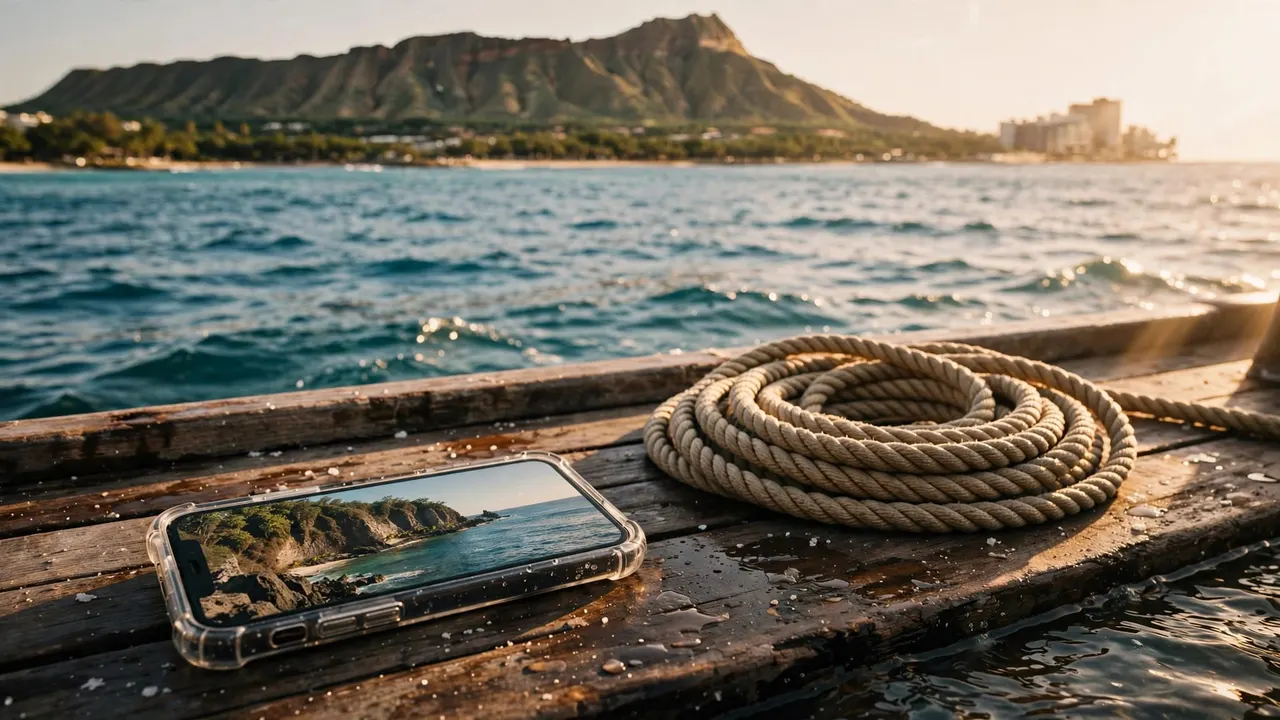
Your phone may have service on a Waikiki boat tour, but you should plan for interruptions rather than a continuous connection. Your carrier, device, and position on the water all affect whether calls, messages, or mobile data work.
With us at Living Ocean Tours, a little offline preparation lets you enjoy the coast without worrying about every missing notification. Save your essentials before departure, then treat any reception aboard as a convenience.
Start by separating what needs a connection from what your phone can do offline.
Key takeaways for your time on the water
- Save your booking, meeting instructions, harbor directions, and important contacts directly to your phone before leaving Wi-Fi.
- Calls, texts, and photo uploads have different connection needs, so one working feature doesn’t mean everything will load.
- Your camera and downloaded information remain useful without cellular service.
- Keep your phone protected, silence unnecessary notifications, and communicate directly with the crew whenever you need help.
What affects service on a Waikiki boat tour?
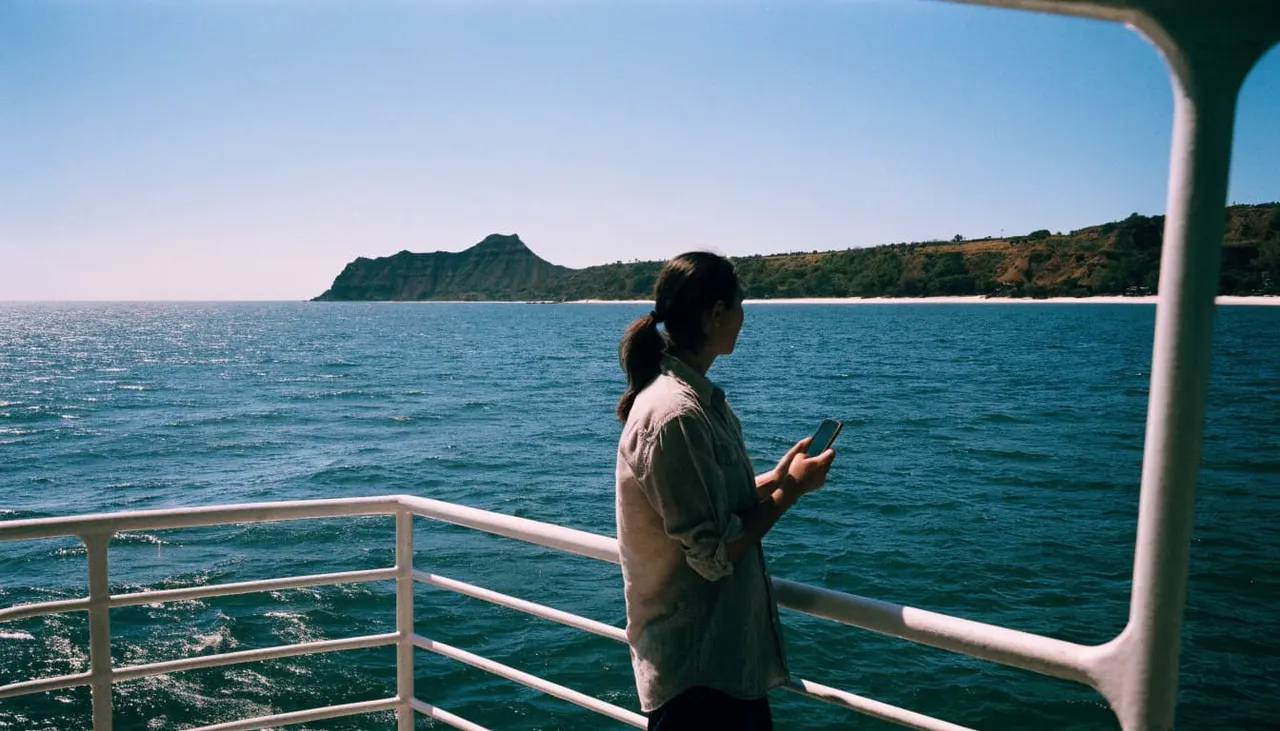
Seeing Honolulu’s skyline doesn’t tell you how well your phone will connect. Cellular reception depends on the network connection between your device and a tower, not simply whether land remains visible.
Your carrier and device both matter
AT&T, T-Mobile, and Verizon operate different networks. Therefore, another passenger’s working phone doesn’t establish what yours can do.
Your phone’s supported network bands, settings, and condition also affect performance. Meanwhile, network traffic can limit data speeds even when a signal appears on screen. A signal indicator alone doesn’t promise enough upload capacity for a video.
Comparing bars between different phone models is also an imperfect test. Focus on whether your intended task works rather than matching someone else’s display.
Coverage maps describe expectations
The FCC Mobile LTE Coverage Map shows modeled coverage rather than a live reading from your seat aboard a boat. Device differences, network capacity, and local conditions can affect actual service.
Your captain may also adjust the course for wind, swell, traffic, or passenger safety. Because your position changes, a connection that worked earlier may perform differently later.
Avoid building an important appointment around reception offshore. A flexible communication plan is more useful than expecting the same connection throughout the outing.
Calls, texts, and uploads behave differently
Your phone might complete a small task while struggling with a larger one. On a Waikiki boat tour, a brief message requires far less data than a live video of Diamond Head.
Messaging isn’t one single service
Traditional SMS messages use your carrier’s messaging service. In contrast, WhatsApp and other internet-based messaging features need a working data connection.
Some messaging apps can fall back to SMS, depending on your device and settings. However, that fallback still requires cellular service and won’t necessarily preserve every feature.
A message can also remain queued until connectivity returns. Look for its delivery status before assuming someone ashore received it, especially when coordinating transportation.
Photos work offline, but sharing needs data
You can take photos and record videos without service. Uploading those files to social media or cloud storage requires connectivity.
Live video needs a sustained connection, so it deserves different expectations than sending a short text. Wind and engine noise can also make a connected call difficult to hear.
Capture your photos aboard and upload them afterward. A weak connection doesn’t need to interrupt a moment you can save locally.
If automatic photo backups use cellular data, pausing them can reduce background activity while you’re offshore.
Save your arrival and return details offline
Your most important phone preparation happens before your Waikiki boat tour begins. An email visible in your inbox may still require a connection to load its attachments or images.
Keep your booking details together
Download your confirmation as a PDF or take clear screenshots while connected. Include your tour date, departure time, booking reference, and arrival instructions. Preserve the entire barcode or QR code if your confirmation includes one.
Our departure location is Kewalo Basin Boat Harbor, 1125 Ala Moana Boulevard, Slip B-01, Honolulu. Save the written meeting instructions alongside a screenshot of the harbor entrance and meeting point.
Keep these files in an easy-to-find folder. Opening them once in airplane mode helps establish that they’re stored locally rather than waiting to download.
Prepare for the journey back
Download a map area covering your accommodation, the harbor, and the surrounding roads. Also save your hotel’s name and street address somewhere readable without an app login.
Offline maps don’t provide every live feature. For example, Google Maps doesn’t offer offline walking or public transit directions, so save those instructions separately.
Before boarding, tell anyone expecting you that messages may be delayed. Agree on a broad update plan instead of promising a reply at a particular moment offshore.
A screenshot of your return transportation details is useful, too. You won’t need to reconstruct the plan while gathering belongings after the trip.
Protect your phone and preserve its battery
Salt spray, sunlight, and movement deserve as much attention as reception. A working connection has little value if your phone overheats or becomes wet.
Keep your device secure on deck
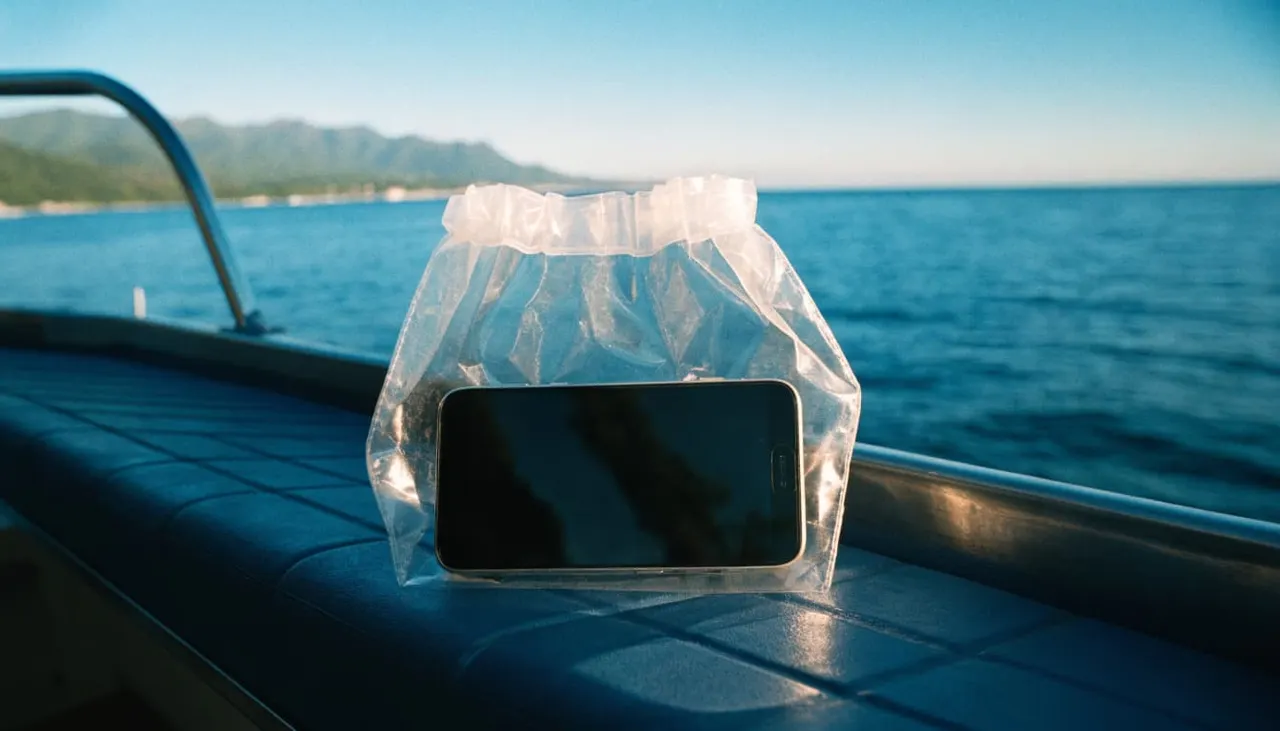
Use a suitable protective pouch and keep your phone away from deck edges. Water resistance doesn’t make every device suitable for saltwater exposure or snorkeling.
Before moving between decks, put your phone away so your hands remain available for railings. Take photos from a stable position without leaning over the side.
During water activities, dry storage is often the simplest option. If a phone falls overboard, tell the crew rather than entering the water or reaching beyond the rail.
Reduce unnecessary battery use
Start with a charged battery. Weak reception, repeated uploads, video recording, and high screen brightness can all increase power use.
After boarding and hearing the briefing, airplane mode is useful when you don’t need connectivity. You can still use your camera and locally saved files.
Keep the phone shaded when possible. If you bring a power bank, protect its connections from moisture and store the cable where it won’t create a trip hazard.
You can resume uploads once you’re ashore instead of spending the outing retrying them.
Make your communication plan work without reception
Your phone is a personal convenience, not your only way to communicate aboard. If you feel unwell, need assistance, or notice a problem, speak directly to the crew.
The Coast Guard’s emergency response guidance identifies VHF Channel 16 and telephone contact as ways to reach the Coast Guard. For passengers, the immediate step is to alert the crew rather than troubleshoot an app.
Before entering the water, learn the guide’s signals and buddy procedures. Families should assign each child a supervising adult rather than assume everyone is watching.
If you use a translation app, download a supported language beforehand. You can also save short written requests about allergies, medication, or other needs.
Keep calls brief and avoid speakerphone. In addition, pause entertainment whenever the crew speaks, and ask before including other guests in a video call.
Enjoy the coast with Living Ocean Tours
Your Waikiki boat tour should give you time to enjoy the ocean without managing constant notifications. Our Coast Guard-inspected, double-decker vessels offer shaded seating, onboard restrooms, and dry storage.
We’re the only tour company with professional snorkel guides. For beginners and families, that means you can communicate directly with a guide about equipment, water entry, and the signals you’ll use while snorkeling.
You can explore our Waikiki snorkeling and cruise tours and choose the experience that fits your group. Throughout your outing, observe marine life without touching it, and keep your device secured whenever you need both hands.
Frequently asked questions
Can GPS work without cellular service?
Yes. Your phone can receive satellite positioning signals without a cellular connection. However, the map background, live traffic, or other app features may need data unless downloaded. GPS positioning and mobile internet are separate functions.
Does cellular coverage mean the boat has Wi-Fi?
No. Cellular service connects your phone to your mobile carrier, while onboard Wi-Fi requires a separate network. Prepare your files and messages without assuming a guest Wi-Fi connection will be available during your outing.
Can a coverage map predict reception throughout my trip?
It can’t establish a continuous connection along your actual route. The FCC’s National Broadband Map guide explains how mobile coverage appears by provider and network technology. Those layers aren’t a live signal test aboard your vessel.
Should you schedule a work call during a Waikiki boat tour?
Schedule important calls ashore instead. Even if your phone connects, wind, engine noise, and changing reception can interrupt conversation. A boat excursion also requires your attention during safety instructions, boarding, and movement around the deck.
Step aboard with fewer phone worries
Plan your Waikiki boat tour around offline-ready essentials, with any reception as a useful extra. Saved booking details, readable directions, and a protected phone remove the most avoidable hassles.
Once aboard, give the crew your attention and let uploads wait when necessary. Your camera can capture the coastline without keeping you connected every minute.