Turtle Canyon Snorkeling: Photograph Honu Without Flash
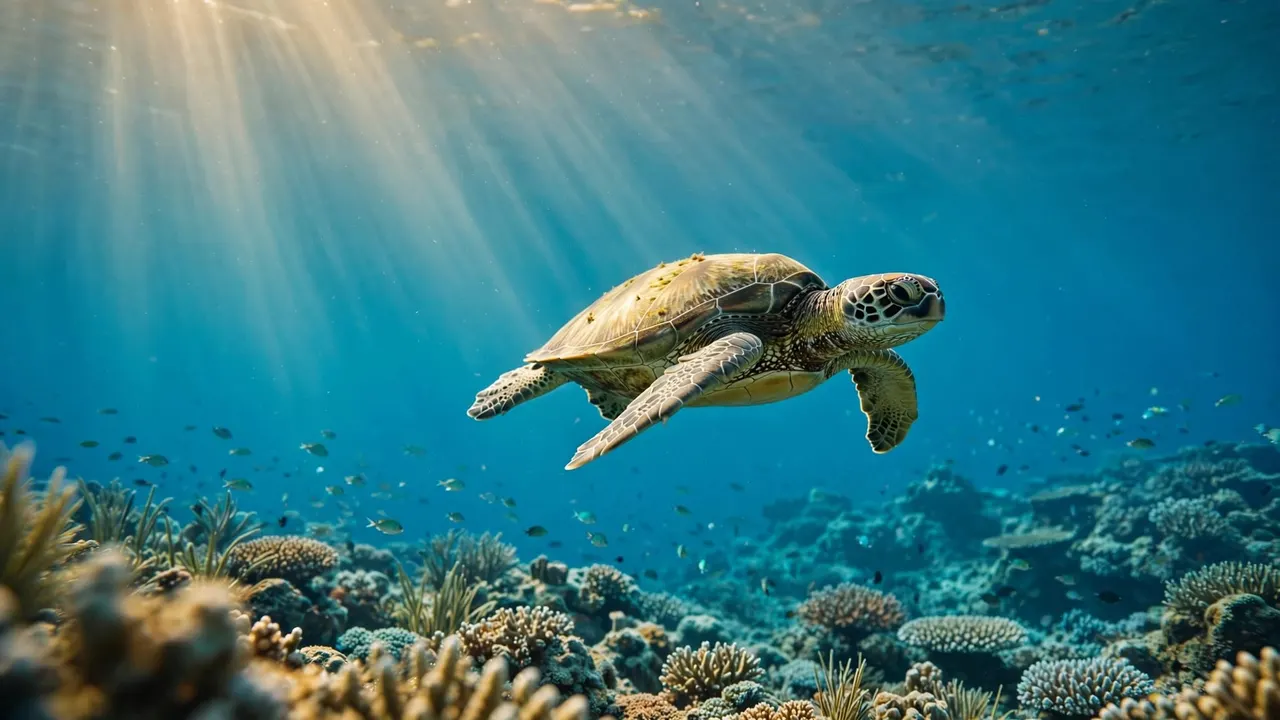
You can photograph honu during Turtle Canyon snorkeling by using natural light, keeping your distance, and letting the turtles move on their own terms. With Living Ocean Tours, you can enjoy the encounter while our professional snorkel guides help you feel comfortable in the water.
A calm approach gives you time to compose your shot without crowding marine life. Start with a few simple preparations, then let the ocean set the pace.
Key Takeaways for Your Turtle Photos
Leave your flash off and use the available sunlight. Give each turtle room to swim and surface, even when that means accepting a wider shot.
Prepare your camera before entering the water, keep an eye on your surroundings, and follow your guide’s instructions. The best souvenir is a photo taken without disturbing the honu.
Join a Guided Turtle Canyon Snorkeling Trip
Our Turtle Canyons Snorkel Excursion takes you to a natural turtle cleaning station off Waikiki, where small fish help clean the turtles. Honu visit on their own schedule, so every encounter is different.
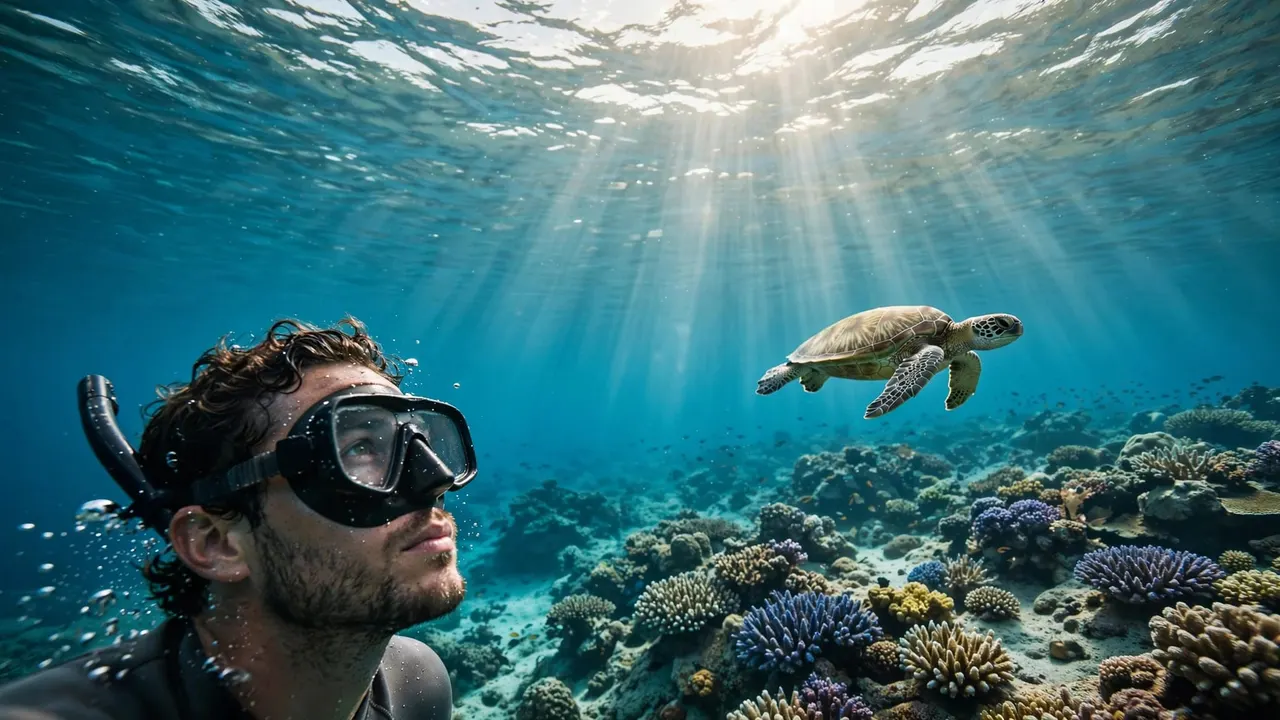
The trip lasts about two hours, including approximately one hour of snorkeling. We provide snorkel gear, and our guides are there to help beginners feel at ease. You can bring your own suitable underwater camera if you’d like to capture the experience.
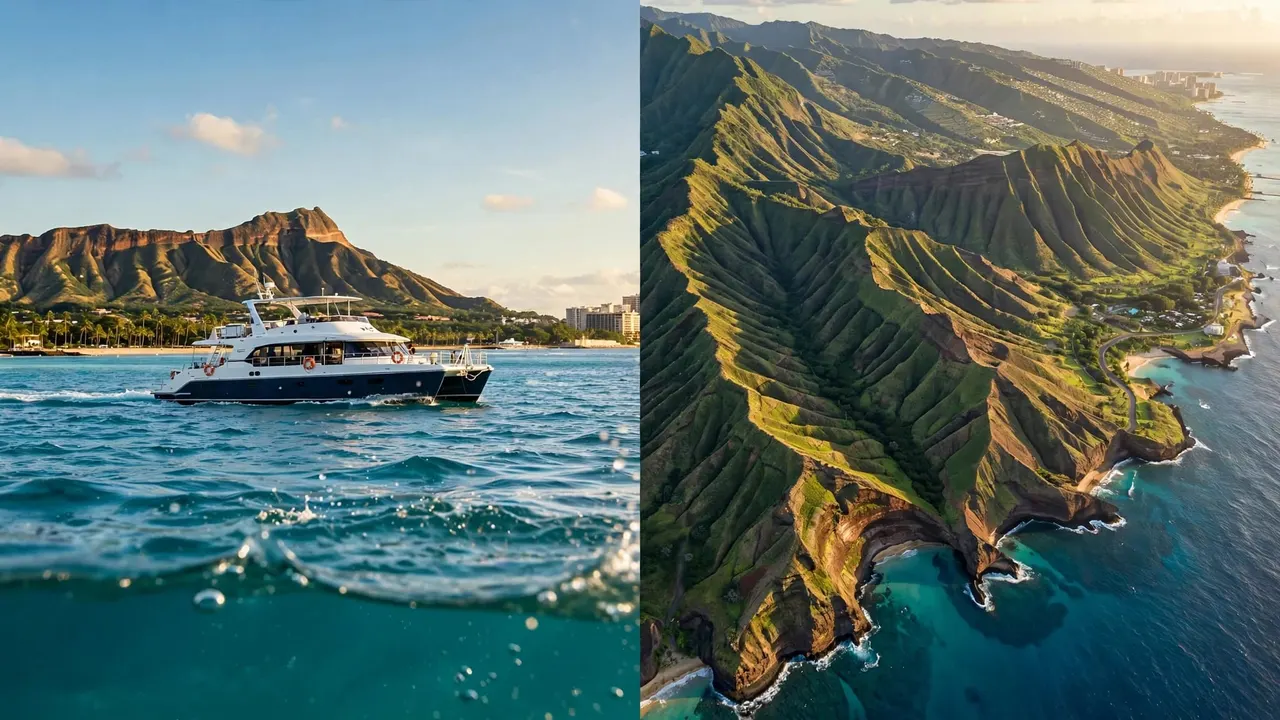
Our boats depart from Kewalo Basin Boat Harbor, minutes from Waikiki. When you’re ready to join us, you can CHECK AVAILABILITY for the Turtle Canyon trip.
Give Honu Room to Move
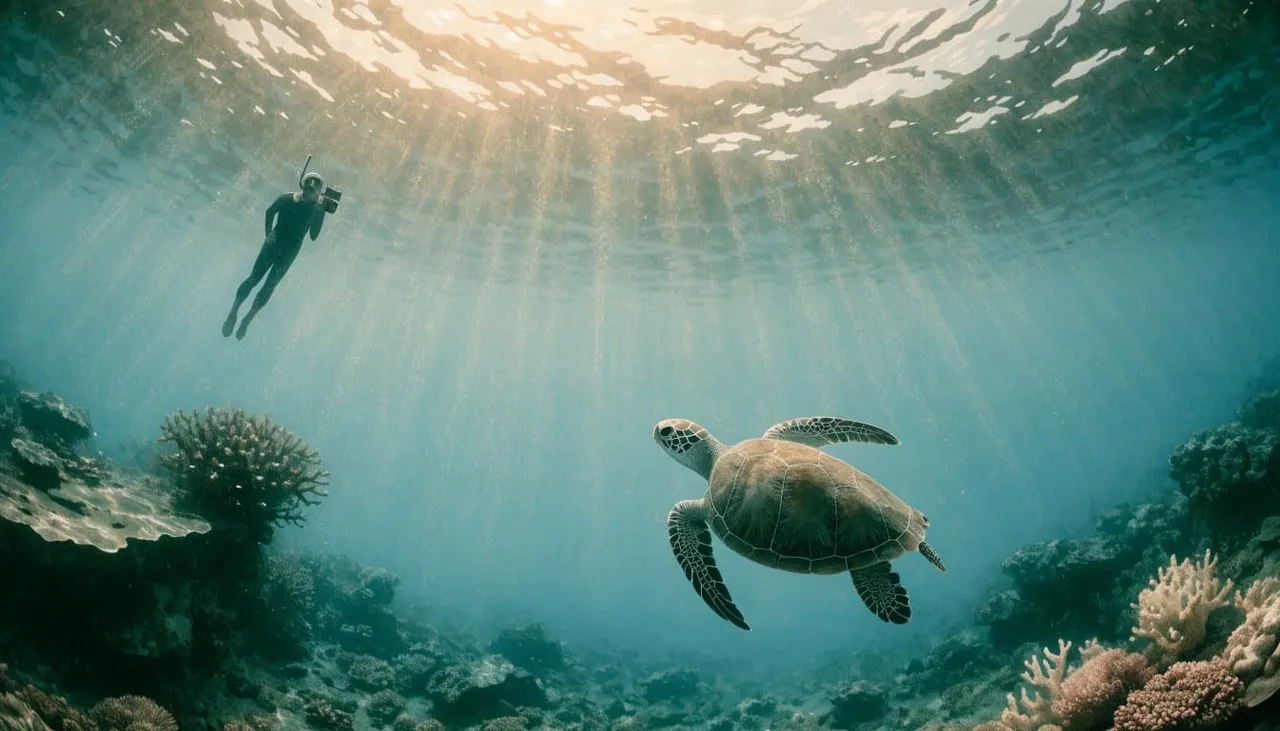
Your distance matters more than filling the frame. A turtle needs clear water around it to swim, rest, visit the cleaning station, and reach the surface to breathe.
Start at Least 10 Feet Away
NOAA Fisheries recommends staying at least 10 feet from sea turtles in Hawaii, both on land and in the water. The Hawaii Wildlife Fund’s guidance recommends 15 feet, giving you an even larger buffer.
Treat those distances as room for the turtle, not an invitation to pursue it. If a honu swims toward you, stop moving forward and make space. Never touch, ride, feed, or surround a turtle.
Leave a Clear Path to the Surface
A turtle below you may be heading up for air. Keep the water above it open rather than positioning yourself over its shell for a photograph.
If other snorkelers are nearby, avoid joining a circle around the animal. Hang back, watch its direction, and let your guide know if you need help finding a comfortable place to float. You can always photograph the wider reef while the turtle moves away.
Prepare Your Camera Before You Enter
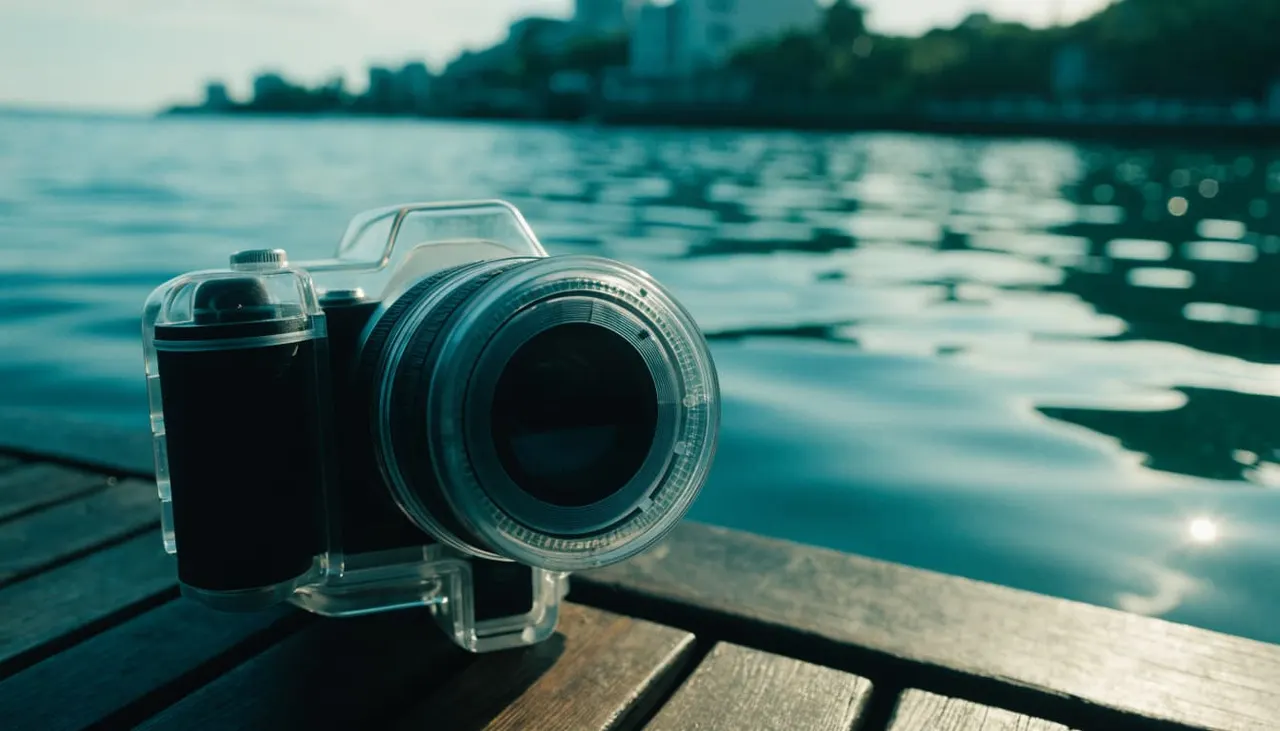
A little preparation on the boat leaves more time to enjoy Turtle Canyon snorkeling. It also keeps you from fiddling with equipment when you should be watching the water.
Protect Your Camera From Salt Water
Use a camera designed for underwater use or a housing made for your device. A splash-resistant phone isn’t automatically safe for snorkeling.
Before closing a housing, inspect its seal for sand, hair, or other debris. Close it according to its instructions and make sure the controls work through the case. Keep any strap secure without letting it trail across the reef or other swimmers.
Charge the battery and leave enough storage space before your trip. Once your equipment is ready, put it away safely until your guide says it’s time to enter the water.
Turn Off the Flash on the Boat
Switch the flash off before you get in, including any automatic flash mode. That way, you won’t need to search through menus when a turtle appears.
Practice locating the shutter and reviewing an image while the camera is in its housing. If you’re using a phone, remember that some touchscreens are difficult to operate underwater, so learn how your case’s controls work ahead of time.
Use Natural Light for Your Turtle Photos
Sunlight provides the illumination for Turtle Canyon snorkeling photos without flash. Your results will depend on the water, weather, and the turtle’s position, so give yourself time to observe before pressing the shutter.
Watch Where the Light Falls
Look at the turtle through your mask before raising the camera. Notice whether sunlight reaches its shell or whether the animal appears darker against the brighter surface.
A view with light falling across the turtle can reveal its shape and shell pattern. If you’re facing toward the sun, you may get a darker outline instead. That silhouette can make a lovely photo too, with open water framing the honu.
Stay within your guide’s area as you choose a position. Avoid swimming closer just to put the sun at your back.
Adjust Your Framing Before Your Camera
Water can look different as you change your angle. Try including some of the brighter surface above the turtle, then compose another frame with more reef below it.
If your camera lets you adjust exposure, make small changes while you’re away from the animal and comfortable at the surface. You don’t need a complicated setup to enjoy the moment. Keep the flash off and focus on a clear view.
Keep Your Camera Steady and Ready
A turtle can appear while you’re floating, adjusting your mask, or watching fish. During Turtle Canyon snorkeling, you’ll have a better chance of taking a photo when your equipment is ready but your attention stays on your surroundings.
Settle Your Float First
Find a comfortable position at the surface before lifting your camera. Breathe normally through your snorkel and keep your movements gentle. If you’re kicking to stay in place, watch where your fins are going and keep them clear of the reef.
Hold the camera close enough that you can control it without reaching toward the turtle. Take a moment to look through the frame, then press the shutter without rushing.
If you feel tired or your mask needs attention, deal with that first. Your guide can help you return to the boat or find support.
Take a Few Photos, Then Look Up
Take a small series as the turtle moves naturally through your view. Between shots, look away from the screen to see where the animal and other swimmers are going.
That pause matters. A camera screen narrows your attention, while a snorkel site is active around you. Keep your guide in sight and stay aware of the route back to the boat.
Compose a Natural Turtle Canyon Photo
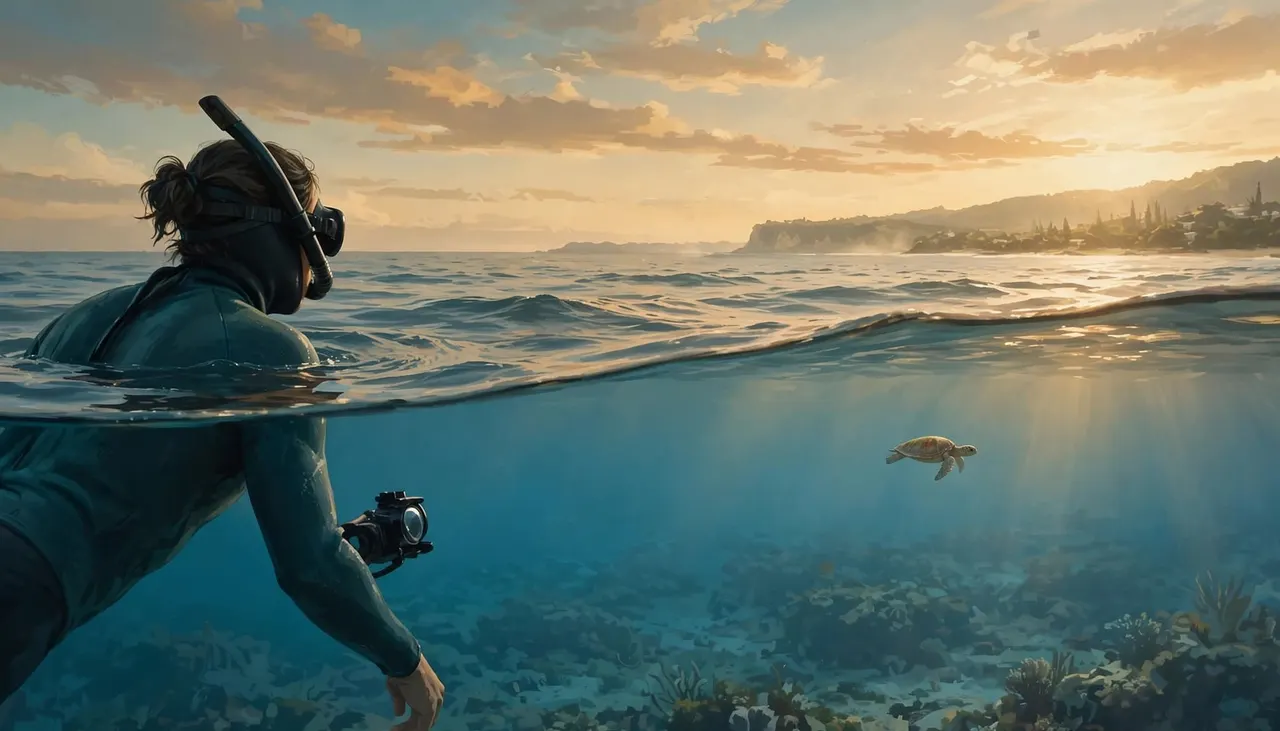
A photo doesn’t need a turtle filling every corner to tell the story. The blue water, reef, and fish can show where your encounter happened and how the honu moved through its habitat.
Give the Turtle Space in the Frame
Leave open water in front of a swimming turtle so its direction is easy to see. If it’s resting near the cleaning station, include some of the surrounding reef without trying to get closer.
Watch the edges of your frame for fins, bubbles, or other snorkelers. A slight change in your camera angle may clear the view while you remain in the same spot.
You can also take a wider image and crop it later. That gives you a way to emphasize the turtle while respecting its space in the water.
Photograph the Moment You Have
A honu may glide past, pause over the reef, or stay farther away than you hoped. Let its behavior guide the picture rather than following it for a different pose.
Try a horizontal frame when a turtle crosses open water. A vertical frame can work when it moves through the water column, provided you’re not blocking its path. If the animal leaves, put the camera down and enjoy the rest of the snorkel.
Put Safety Ahead of the Shot
Turtle Canyon snorkeling is more enjoyable when you’re comfortable in the water. Listen to the crew’s briefing, stay within the area they identify, and use the flotation support they recommend.
If you’re snorkeling with children, keep them close and give the camera to an adult who can still supervise. Agree on a simple signal for returning to the boat, and ask a guide for help whenever anyone feels tired.
Protect the reef as well as the turtles. Don’t stand on coral, grab it for balance, or chase fish out of your frame. If a photo would take you into another swimmer’s path or away from your group, let it go.
Edit Your Honu Photos After the Trip
Wait until you’re back on dry land to sort your pictures. Start by choosing the frames that show the turtle’s natural movement and have a composition you enjoy.
A modest crop can bring attention to the honu without changing what happened. You can also make small adjustments to brightness and color if your editing app offers them. Keep the water and turtle looking natural rather than pushing colors so far that the scene no longer feels like the one you saw.
Before opening a camera housing, rinse its exterior with fresh water as directed by the manufacturer. Dry it before removing your device, and take care that water around the seal doesn’t drip inside.
Turtle Canyon Snorkeling Photo FAQs
Can You Photograph Honu With a Phone?
Yes, if your phone is protected in a suitable underwater housing. Practice using the housing’s controls before snorkeling, and turn off the flash. Keep the phone secure while leaving your hands free enough to swim comfortably.
How Close Can You Get to a Sea Turtle?
NOAA recommends staying at least 10 feet away in Hawaii. Give the turtle more space when possible, and move away if it approaches you. Don’t block its route to the surface or pursue it for a closer picture.
Do You Need to Dive Underwater for a Good Photo?
No. You can take photos while floating at the surface, especially when a turtle is visible in open water. Staying comfortable and following your guide’s instructions matter more than changing depth for a shot.
Bring Home the Moment, Respectfully
Your Turtle Canyon snorkeling photos can be memorable without flash or a close approach. Natural light and a patient eye give you plenty to work with while the honu has room to move.
Get your camera ready before entering, listen to your guide, and enjoy watching the turtles on their terms. The photo will be a reminder of the encounter you helped keep respectful.