Phone overboard: What to Do on a Boat Tour
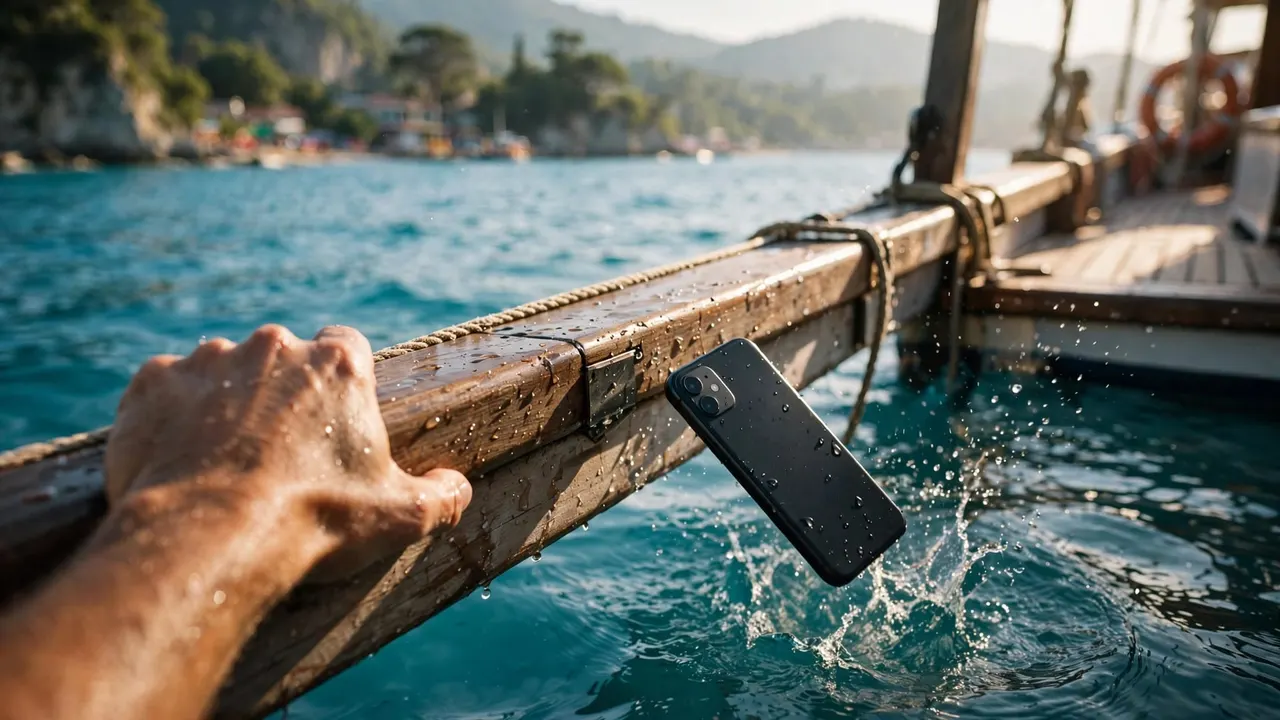
If you drop your phone overboard, stay aboard, tell the crew, and never reach outside the railing. On your Living Ocean Tours outing, your safety comes first, even when your vacation photos disappear with the device.
You still have useful options, whether the phone is recovered or stays underwater. Protecting your accounts, preserving uploaded photos, and avoiding charging mistakes can limit the damage.
Start with the people around you and the crew’s directions, then handle the phone.
Key Takeaways
- Report a phone overboard immediately, but leave retrieval decisions to the captain and crew.
- Keep a recovered device powered off and disconnected from chargers while moisture remains.
- Use lost-device controls to protect your information, then review cloud backups from another device.
- Before your next trip, test your waterproof case and secure your phone between photographs.
Your First Minute After Dropping a Phone Overboard
Stay inside the railing
Resist the instinct to grab for the phone. Keep your feet planted, stay clear of stairs, and don’t climb onto a seat for a better view.
If you’re supervising children, keep them beside you rather than letting everyone crowd the rail. A dropped device can distract your whole group, so give the crew room to work.
Never enter the ocean or harbor water to retrieve belongings. Even a phone that looks close can draw you toward a moving vessel, current, or slippery boarding area.
Tell the crew what happened
Point out where the phone fell and describe whether it was inside a pouch or floating case. Explain which side of the boat it went over and whether you can still see it.
Then follow directions without interrupting a safety announcement or blocking another passenger’s path. The captain must manage everyone aboard, nearby traffic, and sea conditions.
If you also lost emergency medication or something that creates an immediate health concern, say so right away. That needs a different response than a missing phone.
Let the Captain Decide Whether Recovery Is Possible
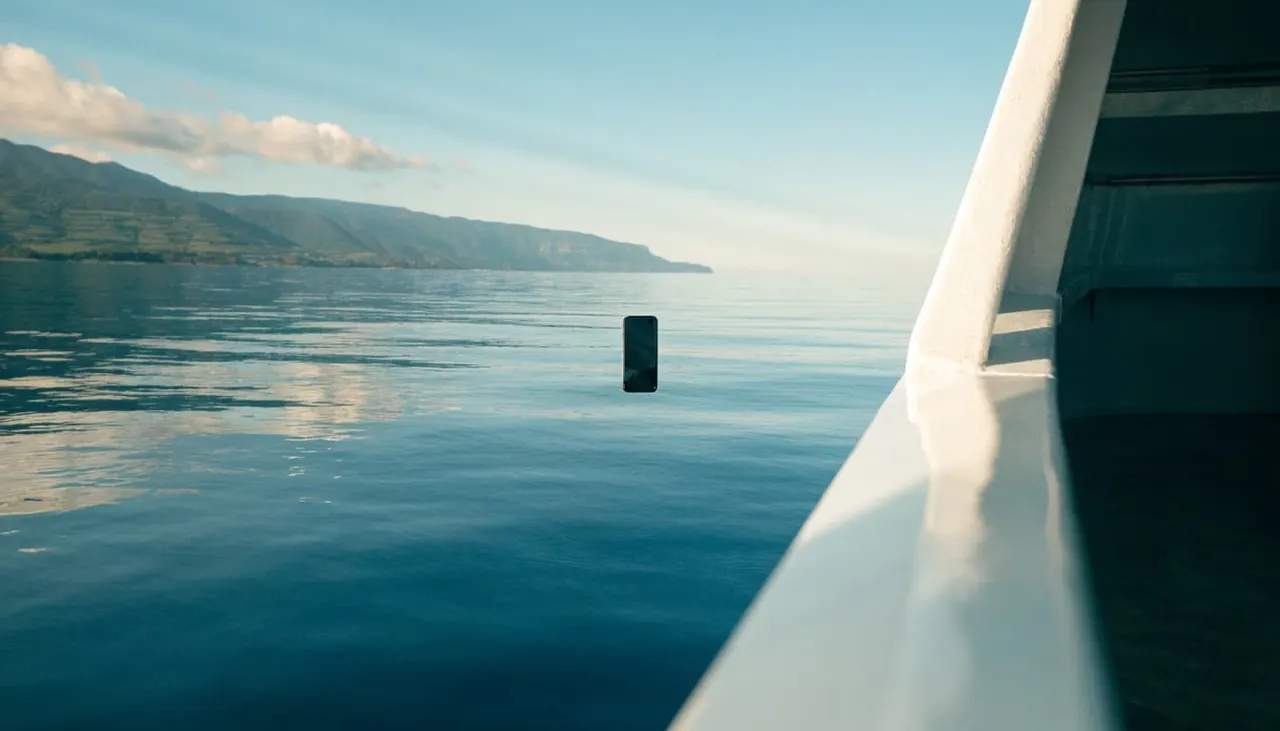
A phone overboard doesn’t mean the vessel can stop or turn around. The captain must weigh the boat’s position, other vessels, water conditions, and passenger safety.
A floating pouch may help keep a device visible. However, visibility alone doesn’t make retrieval safe. Don’t improvise with a snorkel, boat hook, or another passenger’s equipment.
If the phone sinks, describe its last visible position rather than guessing where it settled. Wind, water movement, and the boat’s motion can make that difficult to judge.
A location pin is a search lead, not permission to enter harbor water, a restricted dock, or another vessel.
If the Crew Recovers Your Phone
Disconnect it and handle saltwater carefully
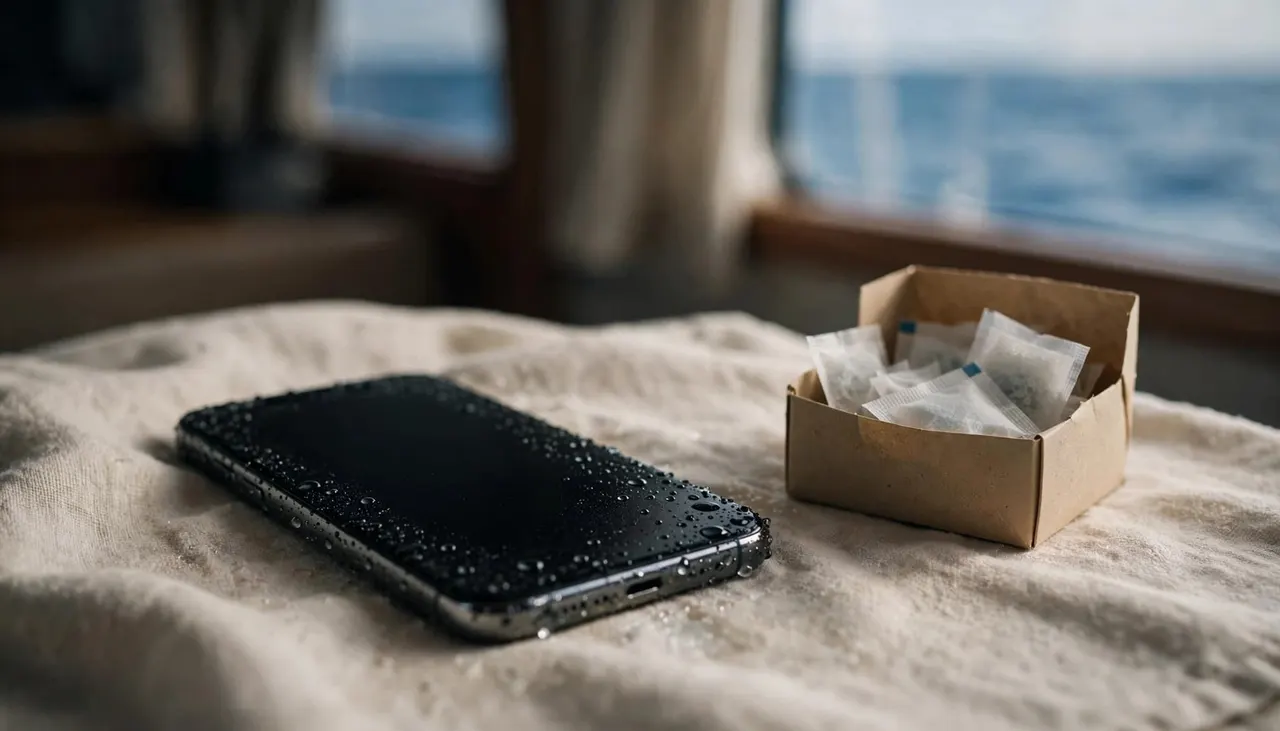
If the phone is on, power it off. Disconnect cables and accessories, then gently blot the exterior with a soft, lint-free cloth. Don’t repeatedly restart it to see whether it survived.
Saltwater exposure needs model-appropriate handling. For supported iPhones, Apple’s water-exposure guidance recommends rinsing the affected area with tap water after contact with liquids other than water.
That guidance isn’t a reason to soak an unknown or visibly damaged device. Avoid forcing water into ports, and seek a qualified repair professional after substantial immersion.
If the phone stayed dry inside an intact waterproof case, dry the case exterior before opening it.
Keep charging cables away
Place a wet phone somewhere dry with airflow, away from direct sun and heat. Don’t use a hair dryer, compressed air, or objects pushed into the charging port.
Apple’s liquid-detection alert instructions warn against putting an iPhone in rice. Small particles can damage it, and drying may take up to 24 hours.
That time estimate doesn’t guarantee recovery after ocean immersion. Keep cables disconnected until the device and connector are completely dry.
A dry-looking screen also doesn’t prove the inside is dry. If the phone becomes hot, swells, or behaves abnormally, stop handling or charging it and seek professional help.
Why Water Resistance Doesn’t Guarantee Survival
Your phone’s water-resistance rating describes performance under controlled test conditions. It doesn’t promise protection after an impact, prolonged seawater exposure, or years of wear.
Samsung’s Galaxy water-resistance guidance advises against saltwater exposure. It also describes fresh-water rinsing and thorough drying after saltwater contact for applicable devices.
After dropping your phone overboard, don’t assume an IP68 label means it will work normally. Worn seals, existing cracks, and damage from the fall can change the outcome.
Treat built-in resistance as backup protection. A tested waterproof enclosure and secure storage are better ways to prepare for a boat day, although neither removes every risk.
Protect Your Accounts if the Phone Is Lost
Use the phone’s lost-device controls
With permission, borrow a companion’s device or use a trusted computer once you’re ashore. Avoid entering account credentials on an unfamiliar shared device.
For an iPhone, Apple’s lost-device instructions explain how Find My can locate it and mark it as lost. Lost Mode locks the device and suspends Apple Pay cards and passes.
For Android, Google Find Hub offers options to locate, secure, or erase a missing device. A submerged or unreachable phone may not respond immediately, so don’t interpret an old location as its current position.
Protect service and account access
Contact your mobile carrier about the missing device. Then address your account provider’s security steps, especially if the phone lacked a strong screen lock.
If you signed into a borrowed device, sign out afterward. Keep passwords, passcodes, and recovery codes out of messages to the boat operator.
Don’t rush into remote erasure without considering the consequences. It can remove information that hasn’t reached your backup, and tracking behavior varies by platform.
If the phone was stored with payment cards or a hotel key, contact your bank or hotel about those items separately.
Save Your Photos and Document the Loss
Once you’re safely ashore, open your cloud photo account from another device. Look at the newest images to see what uploaded before the incident.
Photos still waiting to sync may remain only on the missing phone. A messaging thread may contain smaller copies, so save those without assuming they’re the original files.
For an operator report, include your sailing date, departure time, phone description, and where it entered the water. Explain that it went overboard rather than simply disappeared aboard.
Also provide a working contact method and your Oahu departure date. Those details help with any later follow-up.
If you have device insurance or travel coverage, retain your report and purchase information. Recovery, repair, and replacement depend on your policy; the loss doesn’t automatically qualify for reimbursement.
Prevent Another Phone Overboard Accident
Test the case before departure
Test an empty waterproof case with dry tissue inside, using the manufacturer’s procedure. Dry its exterior before opening it, then inspect the tissue for moisture.
A successful test only reflects the closure at that moment. Sand, hair, and sunscreen can interfere with the seal after you open it again.
Inspect the sealing surfaces before inserting your phone. Don’t squeeze keys, cards, or a portable battery into a case designed for one device.
A wrist strap or flotation accessory adds another layer of protection. Use an attachment intended for your equipment, and keep straps clear of ladders and railings.
Put the phone away before moving
Store your device before climbing stairs, boarding, or approaching a swim ladder. You’ll need a free hand and attention on your footing.
Between photos, use a closed bag or dry-storage option rather than leaving the phone on a towel or bench. Open the case only in a dry, stable spot.
Before your trip, complete a photo backup and keep account recovery information somewhere other than your phone. That preparation protects memories even when protective gear fails.
Enjoy Your Ocean Time With Fewer Phone Worries
At Living Ocean Tours, we depart from Kewalo Basin Boat Harbor near Waikiki. We’re the only tour company with professional snorkel guides, and you can leave your phone stored when you’d rather concentrate on the water.
Our Honolulu ocean tours give you time to enjoy the coast without making every moment a photo opportunity. Observe marine life without touching it, and keep your device secured whenever you need both hands.
Choose your outing, organize your essentials, and give the crew’s briefing your full attention.
Frequently Asked Questions
Can you track a phone underwater?
You may see a last known location through your device-location service. However, you can’t rely on a submerged phone to transmit a current position. Share useful information with the operator, but never use a map pin to justify entering the water.
Should you put a recovered phone in rice?
No. Apple advises against rice because particles can damage the device. Keep the phone disconnected from power and allow airflow. After seawater immersion, a qualified repair professional can assess damage that surface drying doesn’t address.
Will a waterproof pouch make your phone float?
Only if that pouch and its flotation setup support your phone’s weight. Waterproofing and buoyancy are separate features. Test the intended setup safely before departure, and don’t assume a sealed pouch will remain on the surface.
Keep Yourself Safe First
If you drop a phone overboard, your first job is to stay safely aboard and alert the crew. Recovery decisions belong with the captain.
Then protect what you can: keep a recovered phone disconnected, secure a missing device, and preserve uploaded photos. A tested case and secure storage make your next outing easier, while your attention stays on the ocean around you.