
Charging Phone on Boat Tours: What to Expect
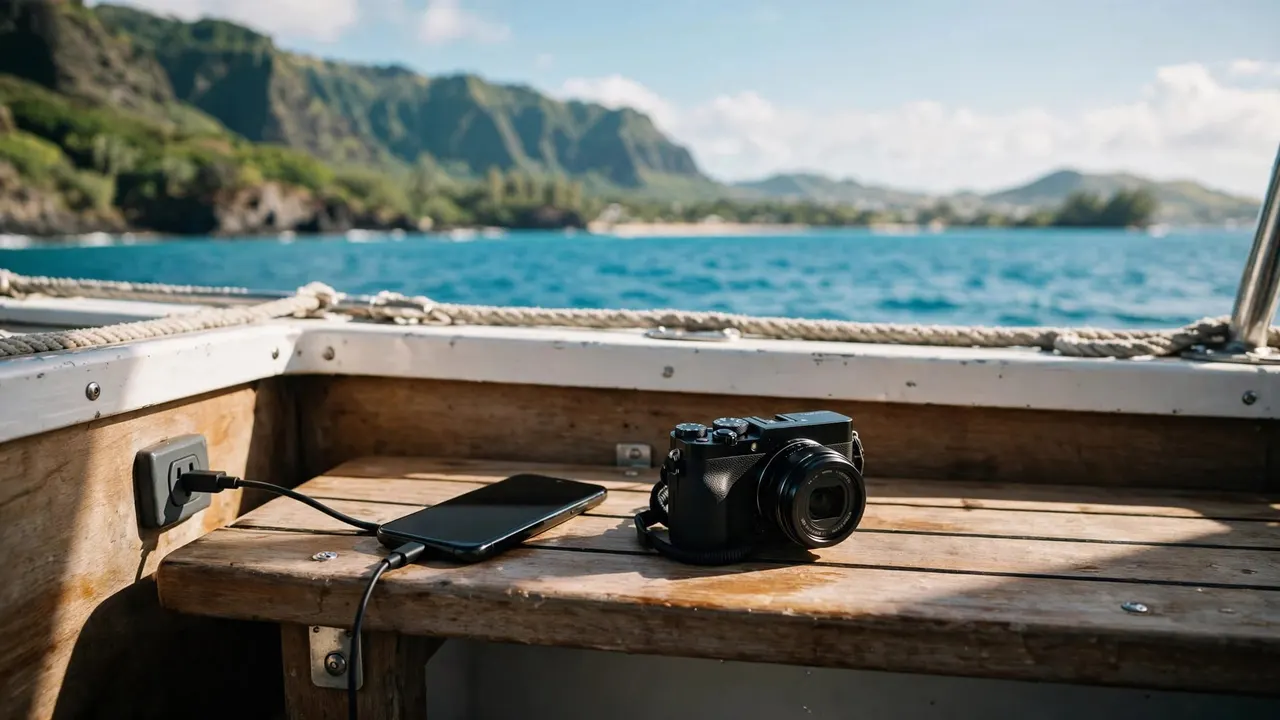
You can charge a phone or camera onboard when a suitable power source is available and your equipment is completely dry. However, your dependable plan is to charge before boarding, rather than expect an outlet during your boat tour.
With us at Living Ocean Tours, arriving with your devices ready means more time enjoying Oahu’s coastline and less time watching a battery indicator. Start with enough power for photographs, saved booking details, and your transportation home.
Key Takeaways
- Charge your phone and camera before leaving your accommodation instead of depending on onboard power.
- Keep wet phones unplugged, even when the battery is low or the screen still works.
- Pack a charged spare camera battery if your camera uses removable batteries.
- Save directions and booking information offline, then postpone photo uploads until you’re ashore.
- Put devices away before boarding, climbing stairs, or moving around the deck.
Can You Charge a Phone or Camera Onboard?
Charging your phone on a boat requires more than finding somewhere to plug it in. You need a compatible power source, the correct cable, and a dry place where your equipment can remain secure.
A visible socket doesn’t establish that it’s available for passenger use. Boat equipment and crew work areas need to remain accessible, so don’t connect personal electronics to an unfamiliar outlet.
Phones and cameras also have different charging requirements. A phone cable won’t necessarily charge a camera, even when the connectors look similar. Some cameras charge through their USB connection; others require a separate battery charger.
For your outing, separate two questions: whether charging is possible and whether you need it during the trip. Starting with a full battery removes much of that uncertainty.
Your phone also has work to do after disembarking. Keep enough charge for your return ride, hotel address, and any necessary messages. That remaining power can be more useful than another round of uploads offshore.
Prepare Your Devices Before Leaving for the Harbor
Charge and save the essentials
Charge your phone and camera while you’re still somewhere dry and settled. If you’re carrying a spare camera battery, charge that too, rather than assuming it retained enough power after its last use.
Next, save your booking confirmation, meeting instructions, and return transportation details directly to your phone. Screenshots are useful because they remain readable without a working data connection.
Keep your phone available for arrival updates until you’ve joined the crew. Once aboard, you can adjust connectivity settings around your communication needs.
Before packing, make sure your cable matches your device. USB-C and Lightning aren’t interchangeable, and a familiar-looking camera connection doesn’t guarantee that the camera accepts charging through it.
Make room for the photographs you want
Battery power won’t help if your device runs out of storage. Review available space before departure, especially if you plan to record video.
Back up existing photographs before removing anything important. If you delete older files, keep an independent copy first.
For families, decide which adult will carry the main camera or phone. Sharing photography duties can reduce duplicate filming and leave someone free to supervise children. It also keeps several devices from being spread across shared seating.
Keep Wet Phones Unplugged
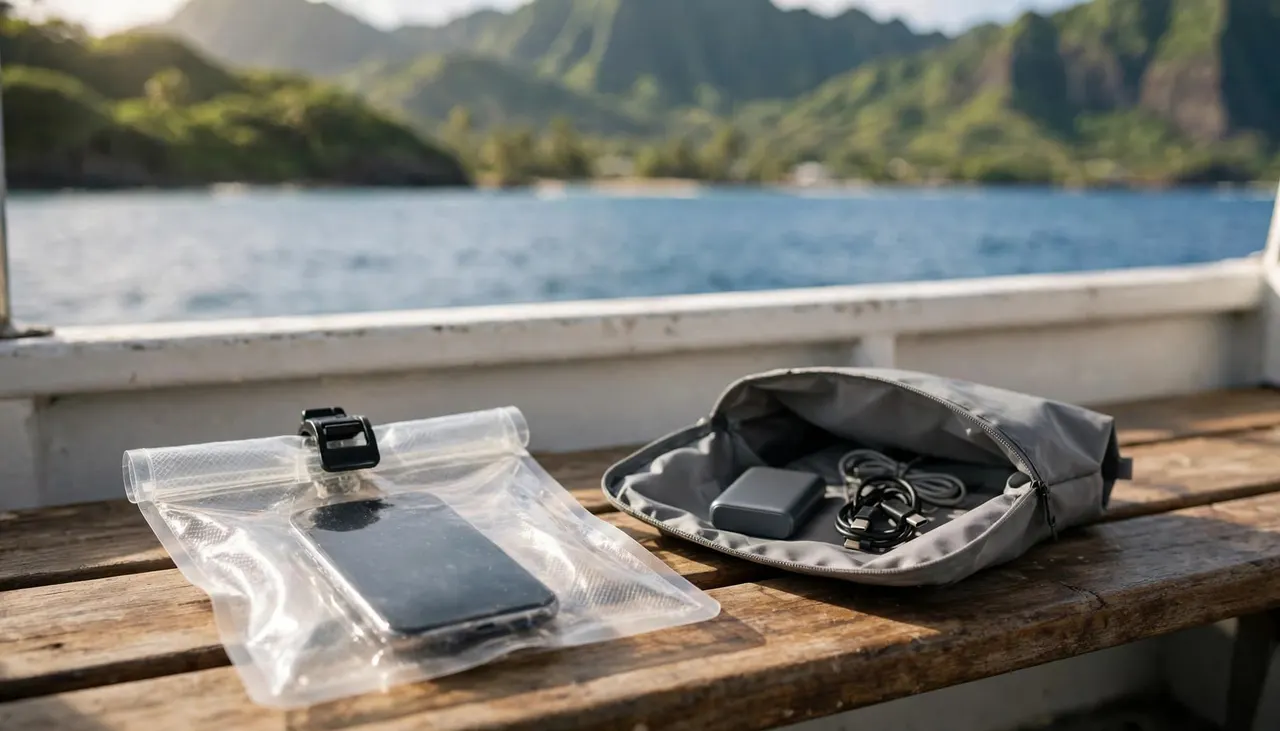
A working screen doesn’t mean a dry connector
Salt spray, wet hands, and damp towels can introduce moisture even when your phone never goes swimming. Charging your phone on a boat becomes a different decision once its connector gets wet.
Apple’s liquid-detection guidance explains that charging through a wet Lightning or USB-C connector can corrode the pins and cause permanent damage.
If your phone displays a moisture warning, disconnect the cable. Don’t override that warning simply to capture more photographs.
A phone can still take pictures while its charging connector is wet. A working camera isn’t evidence that plugging it in is safe.
Keep protection closed until you’re somewhere dry
Use a suitable protective pouch, and keep it closed when your phone isn’t in use. Before opening it, sit somewhere stable, dry your hands, and remove droplets from the outside.
Water resistance doesn’t make every phone suitable for snorkeling or saltwater exposure. Apple’s guidance on iPhone water exposure says to leave cables disconnected until a liquid-exposed device is completely dry.
Keep electronics separate from damp towels and swimwear. Also, avoid leaving a phone loose on a bench, where movement can send it sliding.
If a device falls overboard, tell the crew. Don’t reach beyond the rail or enter the water to retrieve it.
Give Your Camera Its Own Battery Plan
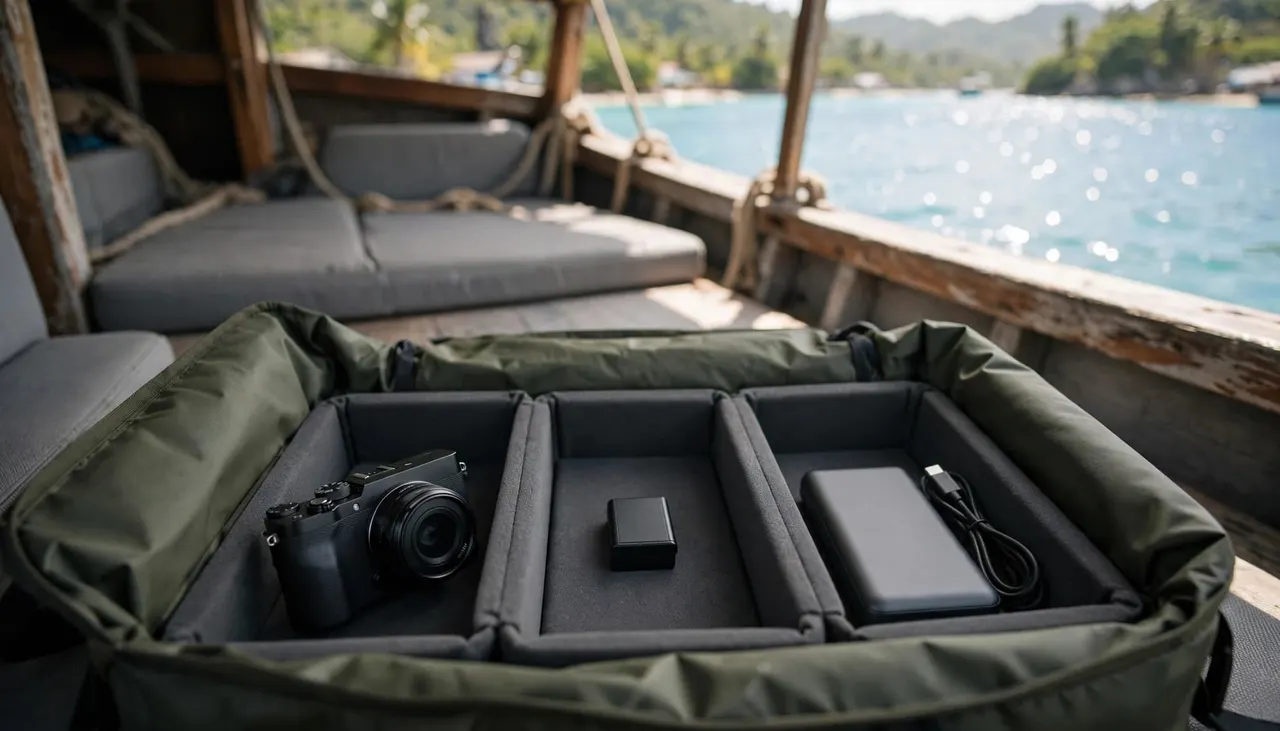
A spare battery keeps the setup simple
For a camera with removable batteries, a fully charged spare can remove the need to connect a charger during your outing. Keep the correct battery with your camera gear so you aren’t sorting through unrelated accessories onboard.
Changing a battery deserves a dry, stable moment. Don’t open a camera’s battery compartment while spray is reaching your seat or your hands are wet.
If your camera has a built-in battery, start fully charged and be selective about long recordings. Continuous video generally demands more power and storage than a few still photographs.
Pack equipment you can manage comfortably
A camera, suitable strap, protective bag, and clean microfiber cloth cover many casual photography needs. Extra equipment adds more pieces to secure whenever you move.
Keep your bag compact enough to stow without blocking a walkway. Before climbing stairs or stepping across a threshold, put your camera away and leave a hand available for the railing.
When photographing wildlife, maintain your awareness of the crew and surrounding swimmers. Observe animals without touching them, and keep yourself clear of coral. A photograph should never require ignoring directions or leaning outside the rail.
Make Your Phone Battery Last Through the Outing
You can reduce the need for charging your phone on a boat by changing how you use it. Repeated uploads, long video recordings, and a bright screen all draw power.
Lower screen brightness when practical, while keeping saved information readable. After boarding and listening to the briefing, use airplane mode if you don’t need connectivity. Your camera and locally saved files remain available.
If you’re expecting an essential message, silent notifications may suit you better than airplane mode. Keep media audio muted, and pause any entertainment whenever the crew speaks.
Give uploads a break when reception becomes unreliable. Retrying the same video transfer uses battery while pulling your attention away from the experience.
Between photographs, store your phone out of direct sunlight. Also, avoid leaving the camera app running while you watch the water.
For couples, alternate photography duties instead of recording every moment on both phones. You’ll preserve battery power while giving each other time to enjoy the view without a screen.
Plan Your Time With Living Ocean Tours
Your electronics should support your ocean experience without becoming the center of it. Our departures leave from Kewalo Basin Boat Harbor in Honolulu, close to Waikiki.
Our Coral Kai and Lokahi vessels have shaded seating, onboard restrooms, and dry storage. Keep your phone protected inside your own bag rather than leaving it exposed between photographs.
For snorkeling, we’re the only tour company with professional snorkel guides. Listen closely to their instructions, and keep your attention on safe water entry and respectful wildlife viewing.
You can explore our Honolulu ocean tour options to choose the outing that suits your group. Bring your devices charged, save your arrival information, and leave room in your day to enjoy the coastline without managing cables.
Frequently Asked Questions About Charging Onboard
Should you bring your wall charger?
For a boat tour, charge before boarding rather than building your plan around a wall charger. Carrying one makes more sense if you also need it for a later stop ashore. Keep accessories compact so your bag stays manageable.
Can you charge a phone after snorkeling?
Only reconnect it once the device, connector, and cable are completely dry. Drying the screen alone doesn’t establish that the charging port is ready. If a moisture alert appears, keep the cable disconnected and follow the device manufacturer’s drying instructions.
Does airplane mode stop the camera from working?
No. You can still take photographs and videos, view saved files, and use supported offline features. However, messages and uploads that require a network connection won’t work until you restore the relevant connection. Leave airplane mode off if you need to remain reachable.
Should you prioritize photographs or saving battery for the ride home?
Leave yourself enough power to access transportation and essential information after returning. Save your hotel address and pickup details beforehand. If your battery is already low, shorten recordings and stop uploads rather than spending your remaining charge trying to stay connected offshore.
Arrive Charged and Enjoy the Water
The easiest plan for charging your phone on a boat starts ashore: fill the battery, save essential information, and pack equipment you can protect.
Once aboard, keep wet connectors unplugged and give the crew your full attention. A ready-to-use device lets you capture the moments you want without turning your ocean outing into a search for power.