
Your boat tour offline prep plan for Oahu
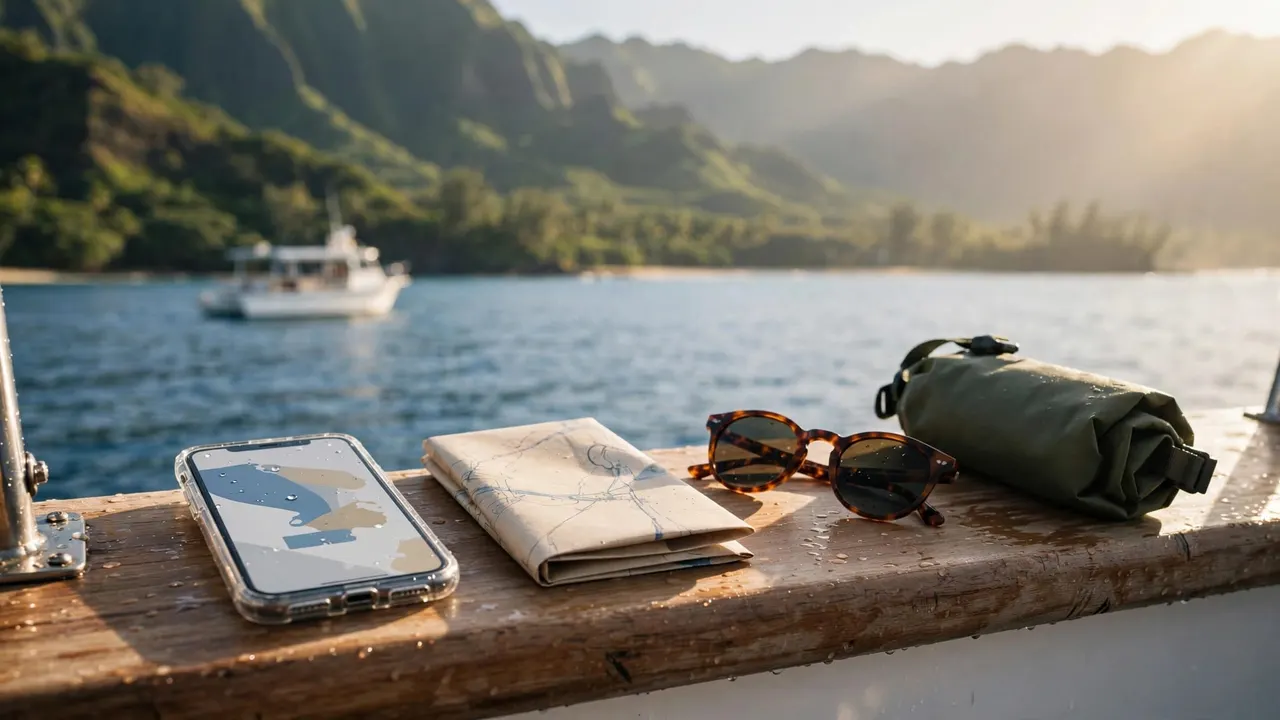
Your boat tour offline prep starts with saving your booking, harbor directions, and essential contacts before you leave reliable Wi-Fi. For your outing with us at Living Ocean Tours, those offline backups let you arrive prepared even when mobile data stops loading.
You don’t need a signal to enjoy Oahu’s coastline, but you do need a plan that works without messaging apps. Start with the information you’ll need at the dock, then prepare for communication aboard and your journey back.
Save your booking where it opens without service
A booking email sitting in your inbox isn’t necessarily available offline. Save the actual information on your device while you’re connected.
Keep your arrival details together
Download your confirmation as a PDF, or take clear screenshots of the reservation and meeting instructions. Include your tour name, date, departure time, arrival instructions, booking reference, and contact information.
If your ticket contains a barcode or QR code, preserve the entire image without cropping its edges. Keep the original attachment, too, when one accompanies your reservation.
Store everything in one clearly named album or folder, such as “Oahu Boat Trip.” Share the essential arrival information with another adult in your party. That way, a dead battery doesn’t leave your whole group without directions.
Keep booking codes private rather than posting screenshots in a public travel group.
Test the files before leaving Wi-Fi
Turn on airplane mode briefly, then open every saved file. A thumbnail or attachment icon doesn’t prove the document has downloaded.
Make sure the text remains readable when enlarged. Then turn airplane mode off so you can receive departure messages before boarding.
Useful boat tour offline prep keeps your saved information easy to find while leaving room for newer instructions. Before leaving your accommodation, read any recent booking messages and save changes alongside your original confirmation.
Download your route to Kewalo Basin
Your map preparation should cover the journey to the harbor and the trip back. A pin somewhere inside a large marina is less useful than your booking’s specific meeting instructions.
Save enough of Honolulu for both journeys
Our departures leave from Kewalo Basin Boat Harbor at 1125 Ala Moana Blvd, Slip B-01. Download an area that includes your accommodation, the harbor, and the roads between them.
On Android, Google Maps’ offline map instructions explain how to open your profile menu and select Offline maps. Choose an area large enough to cover your planned land travel.
On iPhone, Apple’s offline map instructions describe searching for a location and downloading the surrounding map. Complete the download while you still have a dependable connection.
Preserve the last part of your arrival
Save a screenshot showing the harbor entrance and another showing your meeting point. Keep those beside the written arrival instructions, rather than relying on a general search result.
Also save your accommodation’s name and street address. That gives you a readable destination even if your hotel app requires another login.
Downloaded maps don’t include every live feature. For example, Google Maps doesn’t provide offline public transit or walking directions. Therefore, save any detailed walking instructions you need before leaving Wi-Fi, especially the final approach to the dock.
Keep your boat tour offline prep kit compact
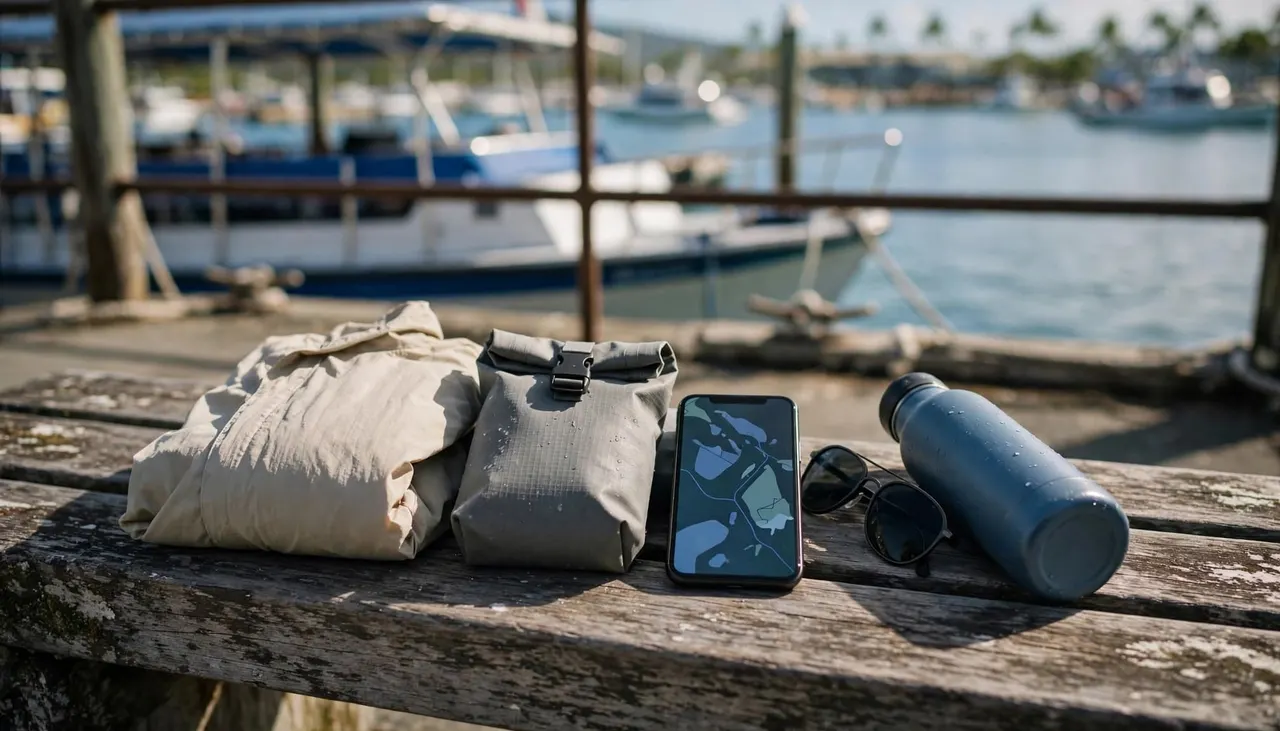
Start with a charged phone, a suitable protective pouch, and only the accessories you’ll use. A small power bank belongs in your boat tour offline prep if your phone will also handle navigation and photos throughout the day.
Bring the correct cable, and keep the battery and connections dry. Charge your devices before boarding rather than expecting an outlet aboard.
Reduce screen brightness when practical, and download entertainment or translation files beforehand. However, keep your phone available for arrival updates until you’ve joined the crew. After boarding, you can use airplane mode when you don’t need connectivity.
For snorkeling, bring a towel, sunscreen, a hat, and sunglasses. Wear your swim clothes if you plan to enter the water. Our Honolulu ocean tour information also covers packing essentials, including bringing your own refillable bottle. We provide ice water aboard.
Keep medication accessible instead of burying it under towels. A room key and any required physical documents should have a secure place, too.
Finally, close your bag and keep it out of walkways. Compact packing leaves your hands available for railings and makes it easier to move when the crew directs you.
Make communication work without a phone signal
At Living Ocean Tours, we’re the only tour company with professional snorkel guides. Before entering the water, learn how to get your guide’s attention without relying on a phone.
Prepare short requests you can show the crew
If you use a translation app, download the relevant language where offline support is available. Test the features you expect to use, because offline tools vary.
Include short written requests in your boat tour offline prep when language or hearing differences could affect communication. Useful messages include “Please show me,” “I need help,” and “I feel unwell.”
Show the crew how you prefer to communicate before departure. Face-to-face speech, a demonstration, or a written explanation may help when wind and engine noise interfere.
Keep each request short. A long translated paragraph can hide the instruction that matters most.
Learn the guide’s signals before entering
Ask your guide to demonstrate the established signals for being okay, needing assistance, and returning to the boat. Practice them back so both of you understand.
Also learn the swim boundaries, buddy procedure, and reboarding route. If an essential instruction remains unclear, stay aboard until the crew explains it.
Keep your buddy within sight and look up regularly to locate your guide. If you lose contact, follow the procedure from your briefing rather than swimming away to search independently.
While viewing wildlife, observe without touching, chasing, or crowding animals. Your guide’s boundaries apply even when an exciting sighting draws everyone’s attention.
Keep a backup plan for your group and return
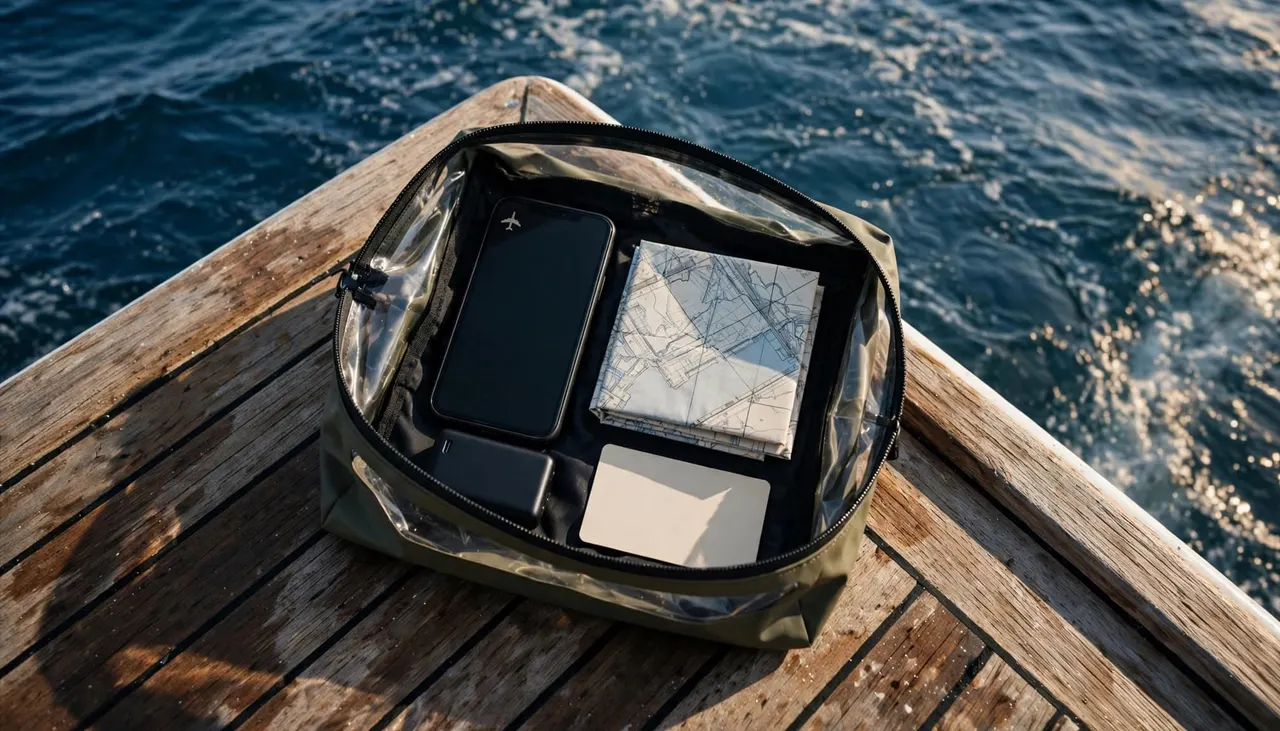
Your boat tour offline prep should cover getting back to your accommodation, not only reaching the departure dock. Save your return destination and transportation arrangements before the outing.
If you’re planning to request a rideshare, remember that the request needs connectivity. A saved map won’t book the vehicle. Keep a written transportation contact or another return option that doesn’t depend entirely on one app.
Give someone ashore your tour operator’s name, departure location, and expected return window. Explain that you may be unavailable while aboard, so an unanswered message doesn’t automatically cause alarm.
Within your party, choose one adult to coordinate questions and updates. However, everyone should understand where to gather and how to request assistance.
Assign each child to a named adult during boarding and movement around the boat. If adults switch responsibilities, make the handoff explicit.
Agree on a crew-approved meeting place that keeps passages clear. Tell companions before moving elsewhere, and notify the crew if someone steps away after check-in.
A small paper card with your accommodation address and an emergency contact adds another backup. Keep it protected from spray, separate from the phone it supports.
Leave room for changing ocean conditions
Before leaving Wi-Fi, read the National Weather Service’s Hawaiian Coastal Waters Forecast. Wind and swell offshore can differ from what you see beside your hotel.
A saved forecast is a snapshot. Meanwhile, the captain makes decisions using conditions during your departure. A route adjustment, slower speed, or early return may change your day’s timing.
Avoid building your return transportation around an exact-to-the-minute docking assumption. Instead, leave breathing room between the tour and your next commitment.
During the safety briefing, put your phone away and listen. Learn which crew members to approach, where you’re directed to sit, and which areas must remain clear.
If you feel unwell aboard, alert the crew immediately instead of waiting for your phone to reconnect.
Report dizziness, breathing trouble, chest pain, or unusual confusion promptly. If you’re unsteady, don’t cross the deck or climb stairs alone.
When the crew responds, keep access routes open and follow their directions. Let the captain coordinate vessel communications unless you’re asked to help. Your role is to provide clear information and avoid adding another hazard.
Key takeaways for limited cell service
- Save your full confirmation and meeting instructions, then open them in airplane mode before leaving.
- Download the harbor area and your return route while connected to Wi-Fi.
- Carry a charged phone, dry protection, accessible medication, and a compact backup contact card.
- Learn crew-approved signals and buddy procedures before entering the water.
- Give children a named supervising adult, and keep companions informed when you move around the boat.
These preparations keep essential information available without making your phone the center of the outing.
Step aboard with fewer phone worries
Good boat tour offline prep gives you usable directions, accessible booking details, and a communication plan that doesn’t depend on reception. Once aboard, your strongest connection is direct communication with the crew.
Save what you need, pack lightly, and give the briefing your full attention. Then you can spend more of your outing enjoying Oahu’s ocean views.
Choose your departure with us when you’re ready to put that plan into practice.